Data Center Network Maintenance When the Racks Are Far Away: What a Per-Device Contract Covers and Costs
A three-column breakdown of a remote data center network maintenance contract: what the per-device fee covers, what the provider adds, what the facility and hardware maintainer bill, plus device counting and contract terms.
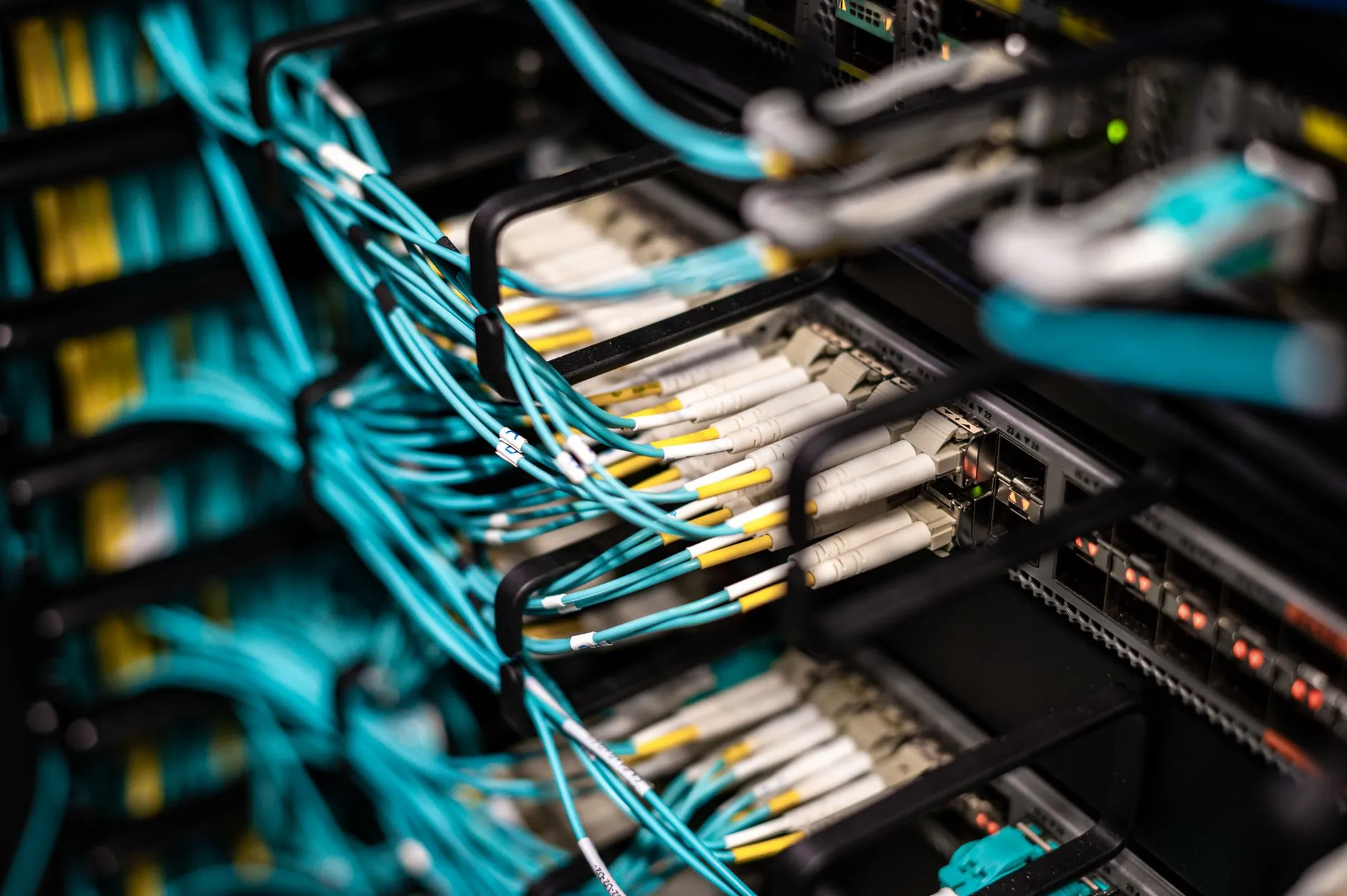
Quick answer: A per-device data center maintenance contract for network equipment buys monitoring, remote changes, configuration backups, escalation and monthly reports for each device. Three costs sit outside the monthly fee: onsite visits from the provider, the facility's remote hands and rack charges, and hardware repair from the warranty or a maintainer. Check who bills each before you sign.
When your racks are in another city, a data center maintenance service for the network should be read as four bills, not one. The per-device monthly fee pays for the provider to watch, change, back up and report on each device. Onsite visits, the facility's own staff and space, and failed hardware are each paid separately, often to different companies. This guide lays out what sits where, how rack equipment is counted, and which contract terms to check. Our own per-device rates are on our network and server maintenance pricing page.
This article is about the operations contract for network devices: firewalls, switches, routers, load balancers and the UPS in the rack. Spares and onsite hardware repair are a different service, covered on our IT hardware maintenance page.
The short answer: the monthly fee buys watch, change, back up and report
A per-device contract pays for work done through each device's management interface, every month, at a price per device. Anything needing hands in the building, the building itself, or a new part is billed elsewhere. The arrangement fits when three things are true:
- The racks are far away: a colocation cage or server room in another city or country, so every visit means travel.
- Nobody local runs the network: there is no network engineer within reach of the site.
- The estate is mostly network and security gear: core switches, firewalls, routers, load balancers, out-of-band console servers and rack UPS units.
How the remote team and the facility split the work day to day is covered in running a remote data center network with a specialist team. This article covers the contract and the money.
Three columns: what the fee covers, what the provider adds, what others bill
Every line of a data center support contract belongs in one of three columns. The wording below follows what our pricing page and agreement say; amounts are on the pricing page.
In the per-device monthly fee
- 24×7 monitoring and alerting: up/down, interfaces, CPU, memory, temperature and power for each device.
- Remote operations in business hours: configuration backup, policy checks, log export, account maintenance and troubleshooting.
- Change records: each change has a ticket, a reason and a backup before and after.
- Monthly reports: an inspection report, an availability report and the incident log.
- Escalation to carriers and vendors: the provider raises and chases the case on your behalf.
Billed by the provider, outside the fee
- Onsite visits: bought as a yearly allowance next to the fee, priced from dispatch rates for the country where the racks are.
- Project work: new sites, redesigns, migrations and rack moves are quoted as projects.
- New equipment, licences and cabling: supplied and priced separately.
Billed by the facility or the hardware maintainer
- Remote hands time: the facility's staff swapping a part, re-patching or power-cycling, charged under your colocation contract.
- Rack, power and cross-connects: space, power draw and every cross-connect to a carrier or another cage.
- Hardware failure itself: repaired under the manufacturer's warranty or your third-party maintainer's contract. The provider diagnoses the fault, contacts them for you and supports the repair.
If a proposal does not say which column an item sits in, ask before signing. The usual dispute is not about the fee; it is about a remote hands invoice that nobody expected.
How data center equipment is counted and priced
Each device is priced by type, so the first job is putting each piece of rack equipment in the right type.
The device types
Our pricing page uses four network device types, with servers on their own lines:
- Core network and security devices: firewalls, routers, core switches, wireless controllers and VPN, WAF and IPS appliances.
- Access switches.
- Wireless access points, rarely relevant in a data hall.
- UPS units: environment sensors and PDUs count with the UPS in the same room.
- Servers: virtual and physical servers each have their own rate.
Devices the price list does not name
Load balancers and out-of-band console servers are common in racks but are not named in our device types. Do not guess. Our pricing page says to list anything uncertain as it is, and we tell you how it is counted before you sign. The same applies to a firewall pair, a switch stack and a cloud-managed controller: ask for the counting rule in writing, because a redundant pair counted as one device or as two changes the fee.
Large estates and the volume tiers
Prices step down as you add more devices of the same type. For very large estates, the estimator on our network and server maintenance pricing page switches to a quotation at 76 or more network devices, or 16 or more servers of one type. How the tiers add up is explained in managed network services pricing per device: how it is calculated; this article does not repeat it.
The three costs outside the monthly fee, and who pays them
Onsite visits: a yearly allowance
Most faults in a remote rack are diagnosed and fixed through management interfaces. When someone must stand in front of the rack, either the provider sends an engineer or the facility's own staff act on written instructions. Provider visits come from a yearly allowance priced from the dispatch rates of that country, so a rack that rarely needs a visit does not pay for idle engineers each month.
Remote hands: write the payer into the contract
The facility charges remote hands under its contract with you. The open question is who orders it: if the provider may open facility tickets for you, say so in both contracts, set a spending limit per request, and say whether the facility bills you directly or the provider passes the cost on. Name the people the facility will take instructions from; most facilities only act for named, authorised contacts.
Hardware: the operations contract does not buy parts
When a power supply, line card or whole switch fails, the per-device fee pays for diagnosis, coordination and reconfiguration after the swap. The part and its fitting come from the manufacturer's warranty or a maintainer. Comparing those two routes is covered in third-party hardware maintenance vs OEM support.
Contract terms, clause by clause
The terms below are those on our pricing page and in our managed IT services agreement; use them as a checklist for any provider's contract.
- Term: minimum 12 months, with 30 days' notice to end.
- Billing: invoiced quarterly at the start of each quarter, payable within 30 days; US dollars by default, local currency on request. Taxes are added at the applicable rate; other assumptions are on our price assumptions page.
- Device changes: if the total device count changes by more than ±5% during the year, the price is recalculated from the actual count. Within ±5% the price stays the same and is adjusted to the actual count at renewal.
- Minimum monthly fee: small racks are topped up to a minimum; the amount is on the pricing page.
- Response times: the tier chosen at signing. Definitions are on our SLA page, which lists first response, remote support, onsite and resolution targets by priority.
- Handover on exit: we hand over documentation, credentials, configuration exports and knowledge-transfer sessions. Up to 8 hours of handover work is included; further work is charged at our rates or drawn from Tokens (clause 11.2).
- Removal and deletion: within 30 days of the end date we remove our agents and tools and delete your data, except records we must keep by law or for billing and disputes (clause 11.3). We do not withhold credentials for any reason (clause 11.4).
Remote access to production equipment should itself be written into the contract. NIST SP 800-53 treats remote ("nonlocal") maintenance as a control of its own (MA-4): who may connect, how sessions are authenticated and logged, and how access ends.
One rack, three contracts: make them line up
A remote rack usually has three contracts: network operations, colocation and hardware maintenance. Problems appear in the gaps between them.
Align dates, contacts and ticket routes
- End dates: renew them together, or at least review them together, so one can be changed without stranding the others.
- Contacts: the facility's list of authorised people should include whoever the provider uses to open tickets.
- Ticket routes: the runbook should hold the facility's ticket method and the maintainer's contract number, so nobody searches for them during an outage.
Buy the maintenance level the recovery target needs
The fastest hardware response is not always the right buy. A firewall pair or redundant core switches keep running when one unit fails, so a next-business-day part may be enough; a single device with nothing behind it may justify a faster response. Matching the response to the real recovery target, at the lowest cost that meets it, is one of the tests in what makes an IT service provider reliable.
What remote data center projects have looked like
Our case studies include two that show the shape of this work, described here without customer names:
- Rack replacement in a Hong Kong data center: for a financial services client, old network and server equipment was decommissioned and replaced over six weekend days, with certified data destruction and a function-testing and commissioning report (case details).
- Three manufacturing plants in mainland China: managed IT with an 8×5 service desk and 24×7 escalation for P1 incidents, covering production-line networks and Wi-Fi (case details).
For a worked example of remote hands in a trading environment, see the composite scenario in colocation in Hong Kong: remote hands for trading infrastructure; it describes no real customer. Moving equipment between facilities is covered in rack migration between data centres in Hong Kong.
Five checks before you renew
- Does the device list match the bill? Compare the inventory in the monthly report with the devices invoiced.
- How much of the onsite allowance was used? Too little may mean it is oversized; too much may point to a recurring fault.
- Who paid for remote hands? Add up the facility's charges and check each against a ticket.
- When does each warranty or maintenance contract end? A lapsed contract turns the next failure into an emergency purchase.
- Which problems repeat in the reports? A fault logged three months running needs a fix, not another ticket.
FAQ
How is a data center network maintenance contract priced?
Per device per month, by device type. Onsite visits, the facility's remote hands and rack charges, and hardware repair are billed separately. Current rates are on our pricing page.
Does the monthly fee include onsite visits?
No. Onsite visits are bought as a yearly allowance, priced from the dispatch rates of the country where the racks are.
Who pays for the facility's remote hands?
You do, under your colocation contract, unless the contracts say the provider orders and passes the cost on. Write down who may order it and the spending limit per request.
If a device fails, is the replacement part covered?
Not by the operations contract. The part comes from the manufacturer's warranty or your maintainer; the provider diagnoses the fault, coordinates the repair and reconfigures the device afterwards.
What happens if we add devices mid-year?
If the total count changes by more than ±5% during the year, the price is recalculated from the actual count. Within ±5% it stays the same until renewal.
What is the minimum term, and how do we end it?
At least 12 months, with 30 days' notice, as set out in our managed IT services agreement.
What happens to configurations and data when the contract ends?
We hand over documentation, credentials and configuration exports, with up to 8 hours of handover work included. Within 30 days we remove our tools and delete your data, except records kept by law or for billing.
Sources and date checked
- Brocent network and server maintenance pricing page: what the rate covers, device types, counting rules, estimator limits and contract terms. Checked 16 November 2026.
- Brocent managed IT services agreement, clauses 9 to 11, and the SLA page. Checked 16 November 2026.
- NIST SP 800-53 Rev. 5, Security and Privacy Controls for Information Systems and Organizations, control MA-4 Nonlocal Maintenance. Checked 16 November 2026.
- Case summaries are taken from Brocent's published case studies page, without customer names.
Brocent has provided managed IT services since 2007, works with 360+ long-term clients, holds cloud vendor partner status and is ISO/IEC 27001 certified. Ask any provider for the same evidence. The full scope of our managed network operations service is on its own page.
Next step
List the devices in your remote racks by type and enter them in the estimator on our network and server maintenance pricing page. Anything the list does not name, send as it is, and we will confirm how it counts before you sign.

Rogue Yu
IT Service Delivery Director, vCIO
Leads Brocent's global IT service delivery from Beijing and Singapore, with 15+ years in the role. Still designs network, hybrid cloud, managed IT and security solutions himself; senior ITIL and PMP certified.
View vCIO profileShare:
Ready to take action?
Turn these insights into a roadmap for your business.
Book a 15-minute no-obligation consultation with our APAC IT experts. We'll review your current setup and provide a tailored IT roadmap within 24 hours.
Explore all servicesFree Checklist
10 Critical Checks Before Expanding IT to Greater China
PIPL compliance, network segmentation, bilingual helpdesk setup, and more — everything your IT team needs before Day 1 in China.
Request the checklist →📬 Monthly Asia IT Insights
China compliance updates, cybersecurity alerts, and IT tips for APAC teams — once a month.
No spam. Unsubscribe anytime.
Related Articles
Nov 03, 2026
Network & IT Hardware Maintenance Services: What's Included, Pricing Models & SLAs (Hong Kong and Singapore, 2026)
Nov 05, 2026
Third-Party Hardware Maintenance vs OEM Support: Cost, SLAs and When to Switch (2026)
Sep 01, 2026
Your Servers Are in Tseung Kwan O. Who Actually Goes to the Cage?