How to Turn an IT Ticket Backlog Into an Engineer Dispatch Plan with Gemini
How to classify a ServiceDesk Plus backlog into remote versus on-site work and cluster the visits into routed runs — plus the coverage problem no amount of planning solves.
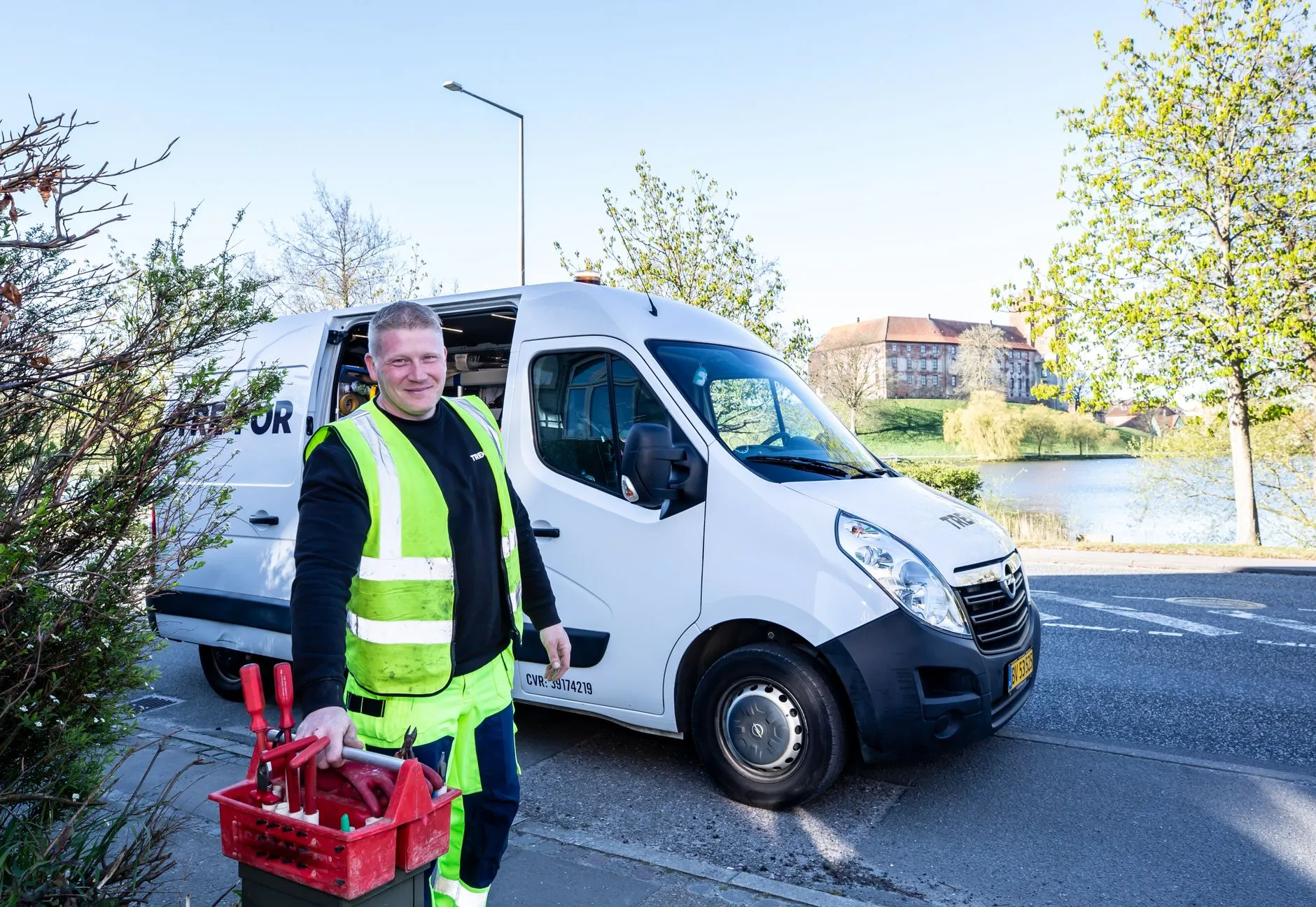
The short answer: Export the open backlog from ManageEngine ServiceDesk Plus, give Gemini the ticket text plus your SLA deadlines, site list and parts position, and ask it to split remote-fixable from must-be-on-site work and then cluster the on-site jobs into routed visits. It plans the week in minutes. It cannot put an engineer within reach of a branch office in a secondary city.
Every multi-site IT operation has the same recurring Tuesday problem. There are forty-odd open tickets, some fraction of them need someone physically present, and one person has to decide who goes where this week. That decision gets made from a spreadsheet, from memory of which sites are near each other, and from a rough sense of which SLA is closest to breaching.
It gets made badly — not because the person is careless, but because it is a small combinatorial problem solved under time pressure by someone who has six other things to do. The result is engineers driving past one site to reach another, two separate trips to the same building in a fortnight, and a P2 that quietly ages because it was never obvious it needed a visit at all.
This is a good fit for a language model, because most of the difficulty is in reading unstructured ticket text and turning it into a structured decision. The genuinely hard part, as usual, is not the planning.
Why On-Site Visits Get Batched Badly
Three reasons, and they are structural rather than personal.
The signal is buried in prose. Nothing in a ticket says "requires physical attendance". It says "printer making a grinding noise" or "user says the network point in meeting room 3 doesn't work". Someone has to read each one and infer. Under time pressure, that inference gets skipped for anything not obviously urgent.
Geography is remembered, not modelled. The person planning knows the big sites. They are less reliable about which two industrial-estate units are ten minutes apart, and that is exactly where the wasted travel accumulates.
The constraints interact. SLA deadline, part availability, engineer skill, site access hours and travel time are five constraints, and optimising them by eye means optimising for one and hoping about the rest. Almost always the one is the SLA closest to breaching — which is why the plan is reactive by construction.
The Two Decisions to Automate — Does This Need a Visit, and When
Keep them separate. They fail differently and they need different inputs.
Classifying remote-fixable versus must-be-on-site from ticket text
ServiceDesk Plus will export an open-ticket list — reference, site, category, priority, created date, SLA due, and the description and notes. The description is the part that matters, and it is the part no filter can act on.
Give Gemini the ticket text and ask for a classification per ticket with three outputs: remote-fixable, requires on-site, or insufficient information — plus a one-line reason and a confidence. The third category is the one that makes this usable. A model forced into a binary choice will guess on the ambiguous ones, and the ambiguous ones are exactly where a wrong answer costs you a wasted trip or a missed SLA. Let it say "the description does not say whether the device powers on" and route that to a phone call rather than a van.
Two refinements are worth the effort. Give it your own examples — twenty tickets you have already classified, with reasons — because your estate's conventions matter more than any general knowledge about IT support. And ask it to flag tickets whose text suggests a bigger underlying issue: four tickets from one floor about network drops is one site visit and a switch, not four visits. That pattern-spotting across a backlog is something a human planner reading tickets one at a time rarely does.
Building the plan — SLA deadlines, sites, parts, and skills
Now switch inputs. The second decision needs almost none of the ticket text and all of the operational context: which sites the on-site tickets belong to, travel time or distance between sites, each ticket's SLA deadline, whether the required part is in stock and where, engineer availability and skills, and site access constraints such as a data centre needing 48 hours' notice.
Ask for a proposed schedule: which engineer, which sites in which order, which day, which tickets closed on each visit — and, critically, which tickets are *not* covered and why. The uncovered list is the most valuable output. It converts "we are behind" into "these four tickets cannot be met this week because there is no engineer within range of that site", which is a resourcing conversation with evidence attached rather than a feeling.
Ask it to state its assumptions and the constraint that bound each decision. "Site B scheduled Thursday because the part arrives Wednesday" is a plan a dispatcher can argue with. A bare timetable is not.
A Worked Example — One Week's Backlog Turned Into Four Site Runs
A retail IT team supports 34 stores and two distribution centres across a metro area and two neighbouring provinces, with three field engineers. Monday's backlog is 46 open tickets.
The classification pass splits them roughly into remote-fixable, on-site, and insufficient information. The remote pile is larger than the team expected, which is the common result — several tickets described as hardware faults are configuration issues that were never triaged properly. The insufficient-information pile becomes a call list for the service desk, and about half of those resolve on the phone, which removes them from the visit plan entirely.
The clustering pass takes what is left. Nine stores need a visit; three of them are within twenty minutes of each other and were, in the previous week's plan, visited on three separate days. The model proposes four runs: two single-day multi-store routes, one distribution-centre visit gated on a part arriving, and one long-travel store that justifies a dedicated trip because two tickets there have been open for eleven days.
The uncovered list is two tickets, both at the same remote store, both non-critical, both flagged with the reason: no engineer routing reaches that location this week without abandoning a closer SLA. That is the finding worth having. It is not a scheduling failure — it is a coverage fact, and it recurs every few weeks for the same store.
What the planner actually does is override about a fifth of it. The model does not know that one store's manager is on leave, that a particular engineer should not be sent to a site where there was a complaint, or that the distribution centre prefers visits before 10am. Overriding a draft in ten minutes is a different task from building a plan in an hour.
AI-Assisted Dispatch Planning vs FSM Software vs a Dispatch Partner
- Reading unstructured ticket text to decide if a visit is needed — AI-assisted planning wins clearly. This is the part FSM tools do not attempt and humans do inconsistently.
- Time to a usable plan with no new system — AI-assisted planning wins. An export and a prompt against a procurement cycle.
- Route optimisation and live scheduling mechanics — FSM software wins. Purpose-built tools do real optimisation, handle technician mobile check-in, and re-plan when the day moves.
- Enforcing the plan — FSM software wins. A plan in a document is a suggestion; a plan in a system is a set of assigned jobs with status.
- Reaching a site where you have nobody — A dispatch partner wins, and nothing else competes. Planning cannot manufacture coverage in a city where you have no engineer.
- Contractual arrival guarantees — The dispatch partner wins. A 4-hour emergency or next-business-day arrival SLA is a commitment somebody underwrites; a plan is an intention.
The useful way to read this: AI-assisted planning fixes the *triage and batching* problem cheaply, FSM software fixes the *execution* problem, and neither fixes the *coverage* problem. Most teams that feel like they have a scheduling problem have some mix of all three, and it is worth knowing which one is actually costing you.
What the Plan Assumes and Reality Doesn't
Four assumptions, all of which break routinely.
That the day holds. A P1 at 09:00 rewrites everything. The plan's real value is not surviving contact with the day but making the rewrite cheap — knowing which two jobs were the least constrained is what lets you re-plan in five minutes.
That the ticket described the problem. Users report symptoms. A "monitor not working" that turns out to be a failed dock is a different part, a different skill, and possibly a second visit.
That someone can get in. Site access is the most consistently underestimated constraint in field IT — badge approvals, escorts, a landlord's goods lift booking, a factory floor that will not admit a visitor during a shift change.
That the part is where the system says it is. A plan built on stock the branch believes it has is a plan that fails at the site, with the engineer standing there. Verify availability for the parts the plan depends on rather than trusting the number.
Getting This Right — Ticket Data, Site Access, and When to Bring in IT
Three practical points before you export anything.
Ticket text is full of personal data. Descriptions and notes carry user names, contact numbers, desk locations, occasionally screenshots of business data. Export the fields you need — reference, site, category, priority, dates, description — and strip or pseudonymise names and contact details before the file goes anywhere. The classification works on the symptom, not on who reported it. Use a business or enterprise tier and check its current data-handling and training terms for the tier you are actually on, rather than assuming.
Site details are physical-security information. A list of your client sites with addresses, access hours and named contacts is a document worth protecting on its own terms. Use site codes in the file you upload and keep the mapping locally.
The plan is the easy half. Having an engineer within reach of every site, with the right skills and the right part, on a day that meets an SLA you have signed, is the hard half — and it is what field IT dispatch exists to solve, with on-demand engineers and contractual 4-hour or next-business-day arrival across 100+ countries. Our AI+ support practice and managed IT support sit either side of that. Brocent has run managed IT across Asia since our founding in Beijing in 2007, with headquarters in Singapore and a Hong Kong office since 2016 — including the secondary-city sites that are exactly where in-house coverage runs out. The same "structure the ticket text first" pattern is worth reading alongside drafting bug reports from support tickets.
Frequently Asked Questions
Can AI reliably tell which tickets need an on-site engineer?
Reliably enough to be useful, and not reliably enough to run unsupervised. Give it a third option — insufficient information — and a confidence score, and route low-confidence cases to a phone call. Measured against your own history, most teams find the classification agrees with an experienced dispatcher on the clear cases and correctly refuses to commit on the unclear ones, which is the behaviour you want.
Does ticket text contain customer or employee personal data?
Almost always. Descriptions name the reporting user, often include a phone number or desk location, and notes can include far more. Treat a ticket export as personal data by default: strip the fields you do not need for classification, pseudonymise the ones you do, and decide consciously where the file is processed.
How does this handle SLA breach risk?
By making it explicit rather than by preventing it. Give the model each ticket's SLA deadline and ask it to flag every ticket the proposed plan will not meet, with the reason. That converts a distributed anxiety into a short list. What it cannot do is create capacity — if the plan cannot meet an SLA, no re-planning fixes it.
What happens at sites where we have no local engineer?
Nothing in the planning layer helps. This is a coverage problem, and the honest options are travel cost, a longer agreed response time for that location, or a dispatch partner with engineers already in that city. Naming those tickets explicitly every week is how the problem stops being invisible.
Can it re-plan mid-day when something urgent lands?
Yes, and this is one of the better uses of it — give it the remaining plan, the new priority ticket, and the current position of each engineer, and ask what changes with the least disruption. Because it can restate the constraint each change violates, the dispatcher can make the call quickly instead of rebuilding the day.
Do we still need field service management software?
If you are planning from a spreadsheet, this method is a clear improvement and costs nothing to try. FSM software solves a different part — assigning jobs, tracking status, mobile check-in, live re-scheduling — and if your problem is that plans are made well but not followed, that is the gap to close. They compose: use the model for triage and batching, the system for execution.
Where to Start
Take last week's closed on-site tickets and run the classification pass on them retrospectively. You already know which genuinely needed a visit, so you get an accuracy read for free, and you find out how many trips were avoidable before committing to anything. If the answer is that the triage is fine and the batching is fine but certain sites are simply out of reach, that is a coverage conversation rather than a planning one — get in touch.
Share:
Ready to take action?
Turn these insights into a roadmap for your business.
Book a 15-minute no-obligation consultation with our APAC IT experts. We'll review your current setup and provide a tailored IT roadmap within 24 hours.
Free Checklist
10 Critical Checks Before Expanding IT to Greater China
PIPL compliance, network segmentation, bilingual helpdesk setup, and more — everything your IT team needs before Day 1 in China.
Request the checklist →📬 Monthly Asia IT Insights
China compliance updates, cybersecurity alerts, and IT tips for APAC teams — once a month.
No spam. Unsubscribe anytime.
Related Articles
Aug 08, 2026
How to Auto-Draft Jira Bug Reports from Support Tickets with ChatGPT

Aug 07, 2026
How to Use Gemini and Google Calendar to Schedule Across HK, China, and Singapore Time Zones

Aug 08, 2026
How to Auto-Generate Client Call Summaries and CRM Updates with Gemini and Google Meet