How to Auto-Draft Jira Bug Reports from Support Tickets with ChatGPT
A practical guide to AI-drafted bug reports — enforcing reproduction steps and environment detail through prompt structure, wiring helpdesk to Jira, and the guardrails that keep your backlog clean.
Published
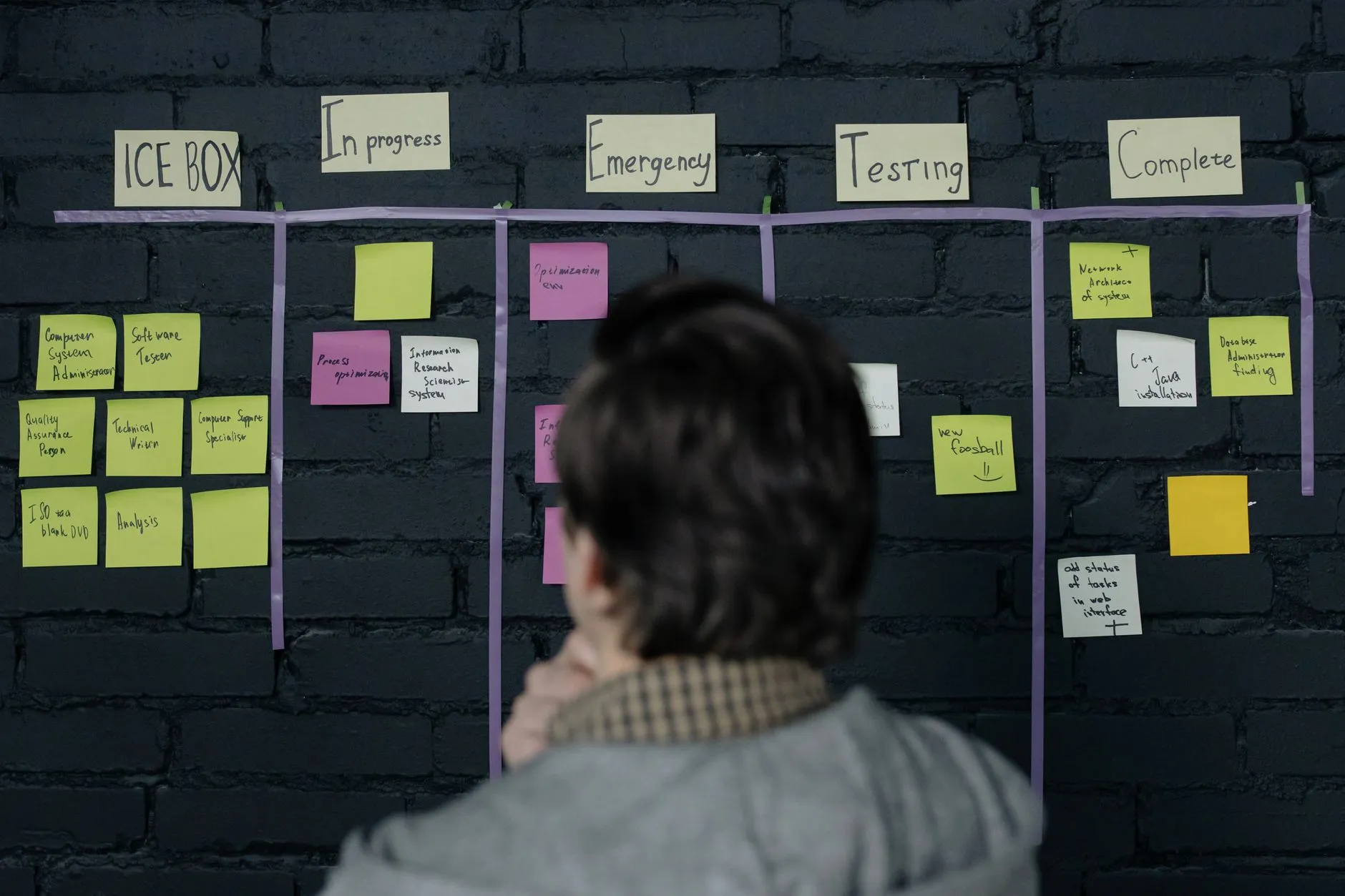
The short answer: ChatGPT can turn a messy support ticket into a structured, triage-ready Jira bug report — reproduction steps, environment, expected versus actual — reliably enough to save the support-to-engineering handoff. What it must not do is create Jira issues on its own. Draft, dedupe, strip customer PII, and let a human press the button.
Every support lead knows the sentence: "it's not working, please fix." Somewhere behind those four words is a real defect with a real reproduction path, and getting from one to the other currently costs a support agent twenty minutes of back-and-forth and an engineer another twenty deciding whether the resulting ticket is even actionable. Multiply that across a queue and the handoff between support and engineering becomes the most expensive unautomated process in a small software organisation. This is the part an LLM is genuinely well suited to — with guardrails that matter more than the integration itself.
Why Support-to-Engineering Handoffs Lose So Much Information
The customer describes the symptom, not the defect. They report what they saw, in their own vocabulary, from inside their own workflow. Translating that into something an engineer can act on requires domain knowledge the customer doesn't have and context the engineer doesn't have.
Support agents are optimised for closing tickets, not documenting them. An agent handling forty conversations a day resolves what they can and escalates the rest, and the escalation gets whatever time is left — which is why so many bug reports are a pasted customer message with "see below" on top.
The environment detail is almost never captured. Browser, version, device, tenant, plan tier, what the user did immediately before. It exists somewhere in the ticket metadata or the conversation, and it reliably doesn't make it into the bug report, so the first engineering response is a request for information that was already available.
Duplicates flood the backlog. Ten customers hit the same defect in a week and file ten tickets; without a dedupe step, that becomes ten Jira issues, and the actual signal — that this is now the highest-frequency bug of the month — gets lost in the noise it created.
None of this is a discipline failure. It's a formatting problem sitting between two teams with different vocabularies, and formatting problems are exactly what language models are good at.
What a Good AI-Drafted Bug Report Has to Contain
The quality of the output is decided almost entirely by how strictly you define the shape before the model ever sees a ticket. A free-form "summarise this ticket as a bug report" prompt produces a nicer-looking version of the same unusable text.
Reproduction Steps, Environment, Expected vs Actual — Enforced by Prompt Structure
Specify the exact fields and require every one of them: a one-line summary written as an observable symptom; numbered reproduction steps; the environment block pulled from ticket metadata rather than invented; expected behaviour; actual behaviour; frequency and affected-customer count; severity as a proposal, not a verdict; and links back to the source tickets.
The critical instruction is the negative one: when the ticket doesn't contain a field, the model must write "not provided in ticket" rather than producing a plausible value. This single rule is the difference between a draft an engineer trusts and one they re-verify from scratch — because a fabricated reproduction step costs more time than a missing one. Ask for structured output (JSON that maps to your Jira fields) rather than prose, and validate it before anything touches the tracker.
Wiring the Pipeline: Helpdesk Webhook → ChatGPT → Jira REST API
Mechanically it's three hops. Your helpdesk (Zendesk, Freshdesk, Intercom, or a ticketing product like Brocent's own FINOS IT Tickets Manager) fires a webhook when an agent applies an "escalate to engineering" tag. Your integration pulls the full conversation plus the ticket metadata, calls the OpenAI API with the structured prompt, and validates the returned JSON against your Jira field schema.
Then — and this is the design decision that matters — it does *not* call POST /rest/api/3/issue. It posts the draft back into the helpdesk as an internal note, or into a Slack/Teams review channel, or creates the Jira issue in a triage-only project that no sprint pulls from. A human confirms, and only then does it become a real issue in the real backlog.
Before that confirmation, run the dedupe check: search Jira for open issues with similar summaries or the same error signature and surface the top matches next to the draft. Cheap to build, and it prevents the single most predictable failure of this whole pattern.
A Worked Example — From a Vague Ticket to a Triage-Ready Issue
The inbound ticket reads: "Export button doesn't work since yesterday, urgent, we have a board meeting Thursday." No browser, no error message, no steps.
The agent asks two clarifying questions and learns the export is a large date range and the page appears to hang rather than error. They tag the ticket for escalation.
The integration assembles the full context — the whole conversation, plus metadata the customer never mentioned: plan tier, tenant ID, browser and version from the session, and the fact that three other tickets this week mention exports.
ChatGPT drafts the structured report. Summary: "Report export hangs indefinitely for date ranges over 90 days on Enterprise tenants." Steps enumerated from the conversation. Environment from metadata. Expected: file downloads. Actual: spinner persists, no error surfaced. Frequency: 4 tickets in 7 days. Severity proposed: high. Fields with no evidence marked "not provided in ticket."
The dedupe check surfaces an existing open issue about export timeouts, with a similarity score and a link.
The agent reviews, sees the match, and links the ticket to the existing issue instead of creating a new one — adding the new customer and the 90-day-range detail as a comment. Nothing new enters the backlog; the existing issue gains the evidence that raises its priority.
Where there's no match, the same review step creates the issue in one click, and the engineer receives something they can start on rather than something they have to investigate before they can investigate.
AI-Drafted Bug Reports vs Manual Escalation Templates
- Consistency of structure — AI drafting wins clearly. A template only works if it's filled in properly, and under queue pressure it usually isn't. A model applies the same structure to every escalation regardless of how rushed the agent was.
- Extracting detail from a long thread — AI wins decisively. Pulling the one message where the customer mentioned their browser out of a forty-message thread is exactly the task, and the one humans skip when busy.
- Judging severity and business impact — The template plus a human wins. Severity depends on which customer, which contract, and what else is in flight this sprint — context that isn't in the ticket. Have the model propose severity and expect a human to overrule it routinely.
- Not inventing things — Templates win by construction: an empty field is visibly empty. A model will fill a gap with something plausible unless explicitly instructed not to, which is why the "not provided in ticket" rule is non-negotiable.
- Deduplication — Neither does this natively. It's a separate search step you build once, and it's worth more than the drafting itself at any real ticket volume.
- Cost and setup — A template is free and takes an hour. The AI pipeline is a small integration project plus a few cents per escalation. At more than a handful of escalations a week, it pays back quickly in engineer time not spent asking for information that was already in the ticket.
Guardrails: Never Auto-Create, Dedupe First, Keep Customer PII Out
Never let the model create issues directly. Not because it drafts badly, but because backlogs are shared, permanent, and hard to clean. An auto-created issue that turns out to be a duplicate or a misread is noise that every engineer on the team pays for, repeatedly.
Dedupe before the review, not after. Surfacing likely matches next to the draft turns the reviewer's job from "is this a good report?" into "is this new?" — which is the question that actually protects the backlog.
Strip customer PII on the way in. Support conversations contain names, email addresses, phone numbers, sometimes screenshots with account data. Jira is typically visible to a much wider internal audience than the helpdesk, and issues get exported, linked into wikis, and kept indefinitely. Redact identifiers before the draft is generated, reference the customer by ticket ID, and keep the identifying detail in the helpdesk where the access controls already fit it.
Keep the source ticket links. Every generated report should link back to the tickets it came from, so an engineer can read the original conversation when the summary loses something. This also gives you the trail to check the drafts against reality when you tune the prompt.
Review the prompt quarterly. Your definition of severity, your product areas, and your Jira field schema all drift. A drafting prompt written eighteen months ago against a field layout that has since changed produces reports that fail validation or, worse, quietly fill the wrong fields.
Getting This Right — Ticket Data Governance, API Keys, and When to Bring in IT
The pipeline touches your two most operationally sensitive systems: the helpdesk, which holds customer conversations, and the tracker, which holds your engineering roadmap. Both credentials deserve the same care as a production database password. Scope the Jira token to the specific project and the create/search permissions this needs — not a full-admin integration user, which is the default lazy choice and the one that turns a leaked token into an incident.
Decide deliberately what leaves the helpdesk for the model API, document it, and make sure whoever answers your security questionnaires knows the answer before a customer asks. And give the pipeline an owner in support operations, because the prompt is a process artefact, not a piece of code — it encodes what your team considers a good bug report, and it needs the same review cadence as the escalation policy it replaced.
Brocent's FINOS IT Tickets Manager is our own helpdesk and field-service ticketing platform, with SLA tracking, ITSM sync and a customer portal — the ticket-lifecycle side of exactly this workflow, if you're building the escalation process rather than just the AI step on top of it. Our AI+ support practice handles the integration and prompt design directly, and managed IT support covers the credential management and monitoring once it's live. If the ticket-response side of the queue is the bigger problem, our guide to auto-drafting Zendesk support responses with ChatGPT covers that half. Brocent has run managed IT and security engagements across Asia since our founding in Beijing in 2007, with headquarters in Singapore and a Hong Kong office since 2016.
Frequently Asked Questions
Should AI create Jira issues automatically?
No. Keep a human confirmation step, at least until you have months of evidence about draft quality, and arguably permanently. The cost of a bad auto-created issue isn't the issue itself — it's the duplicate triage, the misdirected engineering time, and the gradual erosion of trust in the backlog as a signal.
How do we stop duplicate issues flooding the backlog?
Add a search step before the review: query Jira for open issues with similar summaries, the same error signature, or the same affected component, and show the top matches beside the draft. Then make "link to existing" the easier action than "create new". Most of the value of this whole pipeline is in that one step.
Does customer PII end up in Jira?
Only if you let it. Redact names, emails, phone numbers and account identifiers before the draft is generated, and reference customers by ticket ID instead. Jira usually has a much broader internal audience than your helpdesk, and issues persist and get exported long after the ticket is closed.
Can this work with a non-Jira tracker?
Yes. Nothing here is Jira-specific — Linear, Azure DevOps, GitHub Issues and most ITSM tools have equivalent REST APIs. The work is in the field mapping and the dedupe search, both of which you'd redo for any tracker. The structured-output prompt is portable.
What if the ticket genuinely doesn't have enough information?
The draft should say so explicitly, field by field, and that's a useful output in itself — it tells the agent exactly what to go back and ask before escalating. A report that honestly reads "reproduction steps: not provided in ticket" is far more useful than one that invents three plausible steps.
Who should own the drafting prompt?
Support operations, with engineering input on the field schema. The prompt encodes what your organisation considers a well-formed bug report, which is a process decision rather than a technical one, and it needs an owner who notices when the definition drifts.
How do we know it's actually working?
Track two numbers: the proportion of escalated issues an engineer can start on without asking for more information, and the number of duplicates created per month. If the first isn't rising and the second isn't falling, the prompt or the dedupe step needs work rather than more automation.
Where to Start
Start with drafts only, posted as internal notes on the ticket — no Jira write access at all in week one. That gives you a body of real drafts to judge, and it makes the prompt tuning cheap because nothing you get wrong is permanent. Once agents are consistently accepting drafts with light edits, add the dedupe search, then the one-click create into a triage project. Keep the human confirmation. If you'd rather have the escalation pipeline and the ticketing platform underneath it built as one piece, get in touch.
Share:
Ready to take action?
Turn these insights into a roadmap for your business.
Book a 15-minute no-obligation consultation with our APAC IT experts. We'll review your current setup and provide a tailored IT roadmap within 24 hours.
Free Checklist
10 Critical Checks Before Expanding IT to Greater China
PIPL compliance, network segmentation, bilingual helpdesk setup, and more — everything your IT team needs before Day 1 in China.
Request the checklist →📬 Monthly Asia IT Insights
China compliance updates, cybersecurity alerts, and IT tips for APAC teams — once a month.
No spam. Unsubscribe anytime.