How to Build an Internal IT Helpdesk Triage Bot for Slack With Claude
A practical guide to building an internal IT helpdesk triage bot for Slack with Claude — the official Slack app, a custom Bolt-based build, permissions, and where the AI's real limits are.
Published
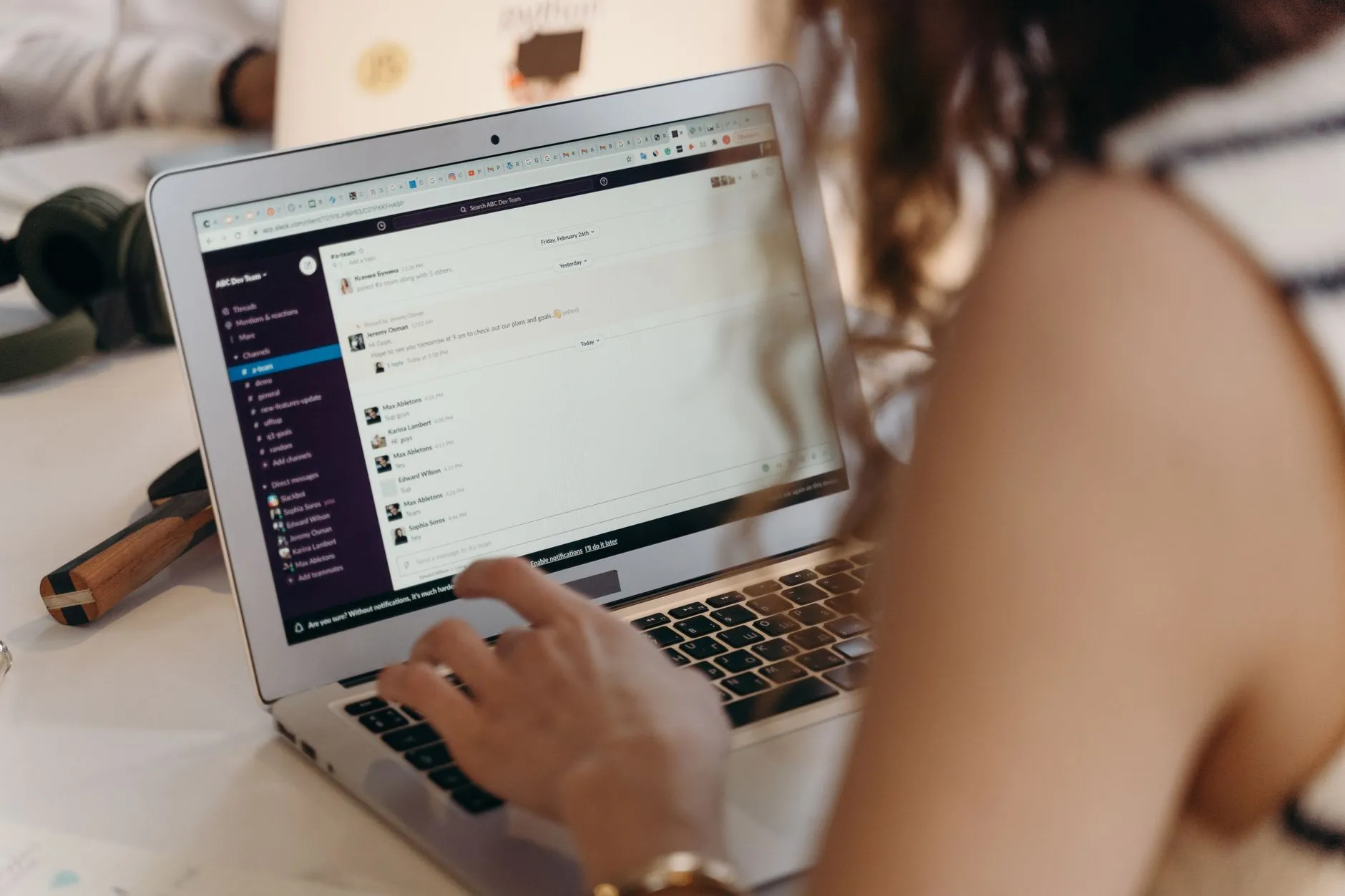
The short answer: Anthropic does offer an official Claude app for Slack, which is a genuine, ready-made way to let staff ask Claude questions inside Slack — but a real IT helpdesk triage bot, one that categorizes incoming issues, assigns urgency, and routes them into a ticketing system, is a purpose-built integration your developer or IT partner assembles using Slack's Bolt framework and Claude's API, with a human or a properly scoped system handling anything that actually requires account access.
If your team's IT support requests already live informally in a Slack channel — someone posts "my laptop won't connect to the VPN" and waits for whoever's free to notice — there's a real opportunity to have Claude read that channel, sort the routine from the urgent, and get a ticket into your actual ticketing system before a human even looks at it. This is a different case from Anthropic's own Claude-Microsoft-365 situation: Anthropic does publish an official Claude app for Slack, available on Claude's Team and Enterprise plans, so the starting point here isn't "does an official integration exist" but "does the official integration do what a helpdesk triage workflow actually needs," which is a narrower question. This guide covers what the official Slack app is genuinely good for, what a purpose-built triage bot looks like instead, the permissions question that determines whether it's safe, and the hard limit on what an AI can actually do to your IT systems versus what it can draft and route.
What Does "A Claude IT Helpdesk Bot for Slack" Actually Mean?
Three distinct things get grouped under this phrase, and only one of them is a real triage system. The first is the official Claude app for Slack — Anthropic's own integration, available to Claude for Work customers on Team or Enterprise plans, which lets staff @mention Claude in a channel or DM it directly for general Q&A, drafting, and summarization. It's genuinely useful and requires no custom development, but it isn't purpose-built for structured IT triage: it responds when asked, rather than watching a channel, categorizing every incoming message, and pushing structured tickets into a separate system. The second, and this guide's focus, is a custom-built triage bot: a developer uses Slack's Bolt framework (Slack's official app-building SDK) to listen for new messages in a designated IT-helpdesk channel, sends each one to Claude's API for categorization and urgency scoring, and pushes the result into a ticketing system such as Freshservice, Jira Service Management, or Zendesk via webhook. The third is a lower-code path using Slack's Workflow Builder, where a workflow's trigger calls out to a small backend service that in turn calls Claude's API — less flexible than a full Bolt app, but a reasonable middle ground for a team without deep development resources. Anthropic's MCP connector ecosystem may also offer a pre-built Slack option; availability changes, so check current documentation before assuming a specific connector exists.
What Claude Can Actually Do for IT Helpdesk Triage Today
Once connected to a helpdesk channel through any of the mechanisms above, Claude's genuine strengths line up well with the repetitive parts of first-line IT support. It can categorize an incoming request — hardware, account and access, software, network — far faster than a person manually reading and tagging a growing backlog. It can assign a rough urgency level, flagging "can't log in at all, blocking work" differently from "app runs slightly slower than usual." It can draft a first-response message with basic troubleshooting steps for common, well-documented issues — a printer not showing up, a VPN client needing a restart — that a human can review and send, or that gets sent automatically for genuinely low-risk, reversible suggestions if your team decides that's an acceptable default. And it can summarize a thread's context into a clean ticket description, saving the person who eventually picks it up from re-reading a scattered conversation. What it structurally can't do is take any action on an actual IT system — it can't reset a password, unlock an account, or grant access, because those require calling a separate, properly authorized system (your identity provider, your device management platform), not just generating text that describes what should happen.
Building the Triage Bot: What Are the Real Options?
Three Ways to Approach This: A Direct Comparison
- The Official Claude App for Slack (Ad Hoc Use) — Available on Claude for Work's Team and Enterprise plans, this lets staff ask Claude questions directly in Slack with no custom development. It's a legitimate starting point for testing whether Claude's answers are useful for IT-adjacent questions, but it's reactive, not a triage system — it doesn't watch a channel, categorize every message, or push tickets anywhere on its own.
- A Custom Bolt App + Claude API + Ticketing Webhook — The real triage-bot path: a developer builds a Slack app using Bolt, subscribes to message events in the designated helpdesk channel, sends each new message to Claude's API with a prompt asking for category, urgency, and a drafted first response, and pushes the structured result into your ticketing system via its API or webhook. This gives full control over the categorization logic and where tickets land, at the cost of real development and maintenance work.
- Slack Workflow Builder + a Lightweight Backend Call — A workflow trigger (a form submission, a specific emoji reaction, or a slash command) calls out to a small backend function that queries Claude's API and posts the result back into Slack or the ticketing system. Less flexible than a full Bolt app and generally better suited to a narrower slice of the triage process — say, just categorization — rather than the full pipeline, but meaningfully less development effort.
A Realistic Triage Workflow: What This Looks Like Day to Day
An employee posts a support request in the #it-helpdesk channel, or DMs a dedicated bot user, describing the problem in their own words. The triage bot picks up the message, sends it to Claude along with context about your organization's common issue categories, and gets back a structured classification: category, urgency, and a drafted first-response or set of troubleshooting steps where the issue is common enough to have a known fix. For low-risk, well-understood issues, the draft response can post back into the thread immediately; for anything the model flags as uncertain or higher-impact, it routes straight to a human without a suggested fix attached. A ticket is created in your ticketing system with the categorized summary, and the original Slack thread gets a reply confirming a ticket number, so the employee knows it's been logged even before an IT staff member has looked at it. The person who picks up the ticket starts from a categorized, summarized description instead of a raw, unstructured message — the actual time savings shows up here, in triage and first-response drafting, not in silently resolving issues without a human involved.
Setting Up the Slack Permissions This Actually Needs
This is the step that determines whether the bot is a reasonable, scoped tool or a standing security concern, and it's the step most likely to get rushed. A Slack app built with Bolt requires specific OAuth scopes — commonly channels:history to read messages in the designated channel, chat:write to post responses, and users:read if the bot needs to reference who's asking. The core discipline is least privilege: scope the app to the specific helpdesk channel it serves, resisting the temptation to request broader access "in case you need it later." The Slack Bot Token and Signing Secret this app generates are effectively credentials with standing access to whatever channels it's scoped into, so they need the same handling rigor as any other application credential — reviewed at setup, and periodically audited as the bot's scope or your organization's needs change. If nobody in your organization currently owns Slack app permissions and reviews what's been granted over time, that's a real gap worth closing before adding another app with message-reading access.
What Claude Won't Do Automatically — and Why That's a Feature, Not a Limitation
It's worth being direct about the boundary that matters most: Claude cannot reset a password, unlock an account, provision software, or grant system access on its own, no matter how it's connected to Slack. Those actions require calling a separate, properly authorized system — your identity provider's admin API, your device management platform — and building that connection is a materially bigger, higher-trust step than triage and drafting, since it means an AI-triggered workflow now has the ability to change who can access what. Some organizations do eventually build limited, tightly scoped self-service actions (a password reset flow with strong identity verification, for instance), but that's a deliberate, security-reviewed addition, not something to bolt on in version one. Claude also won't reliably distinguish a routine request from a security-relevant one without being told to look for that distinction — a request phrased casually ("can you give me access to the finance folder real quick") can carry real risk if it's auto-categorized as routine rather than flagged for human review of access-grant requests specifically.
Getting This Right: Credential Handling, Data Governance, and Where a Managed IT Partner Matters
Everything above is achievable with a competent developer and a modest Slack and Claude API budget — but "achievable" and "done safely" are different bars. Credential handling: your Claude API key and the Slack Bot Token and Signing Secret are all standing access to sensitive systems — they belong in a proper secrets manager, never hardcoded into the bot's source or a deployment config, and should be rotated on a schedule with access logged. Data governance: understand what actually flows through this pipeline — employee messages describing IT issues can occasionally include screenshots, error messages, or details that touch on account information, so it's worth deciding upfront whether certain channels or message types should be excluded from the bot's read scope, and checking Anthropic's current commercial data-use terms for the specific Claude for Work plan you're on. Where a managed IT partner genuinely matters: this is exactly the kind of internal tooling that quietly becomes a liability if nobody owns it long-term. A partner adds real value at three points — scoping the Slack app permissions and the overall integration architecture through an AI integration support engagement so it stays least-privilege as it grows, providing the ongoing managed IT support that keeps the bot, the ticketing integration, and the underlying credentials monitored and maintained, and, since this bot is quite literally a front door into your IT support function, making sure it complements rather than competes with a properly resourced 24/7 IT helpdesk for anything the bot correctly routes to a human. Brocent has run managed IT engagements across Asia since our founding in Beijing in 2007, with a Singapore headquarters and a Hong Kong office open since 2016 supporting exactly this kind of internal tooling and helpdesk operations work.
Frequently Asked Questions
Does Claude have an official Slack app?
Yes — Anthropic publishes an official Claude app for Slack, available to Claude for Work customers on Team or Enterprise plans, letting staff ask Claude questions directly inside Slack. It's a real, ready-made integration, but it's built for ad hoc Q&A rather than structured IT-ticket triage, so a dedicated triage bot is still a separate, purpose-built integration.
Can Claude actually reset passwords or unlock accounts through Slack?
Not on its own. Claude can draft a response suggesting the steps or flag the request for a human, but actually resetting a password or unlocking an account requires calling your identity provider's admin API with proper authorization — a separate, higher-trust integration that most organizations should build deliberately and with a security review, not bundle into a first version of a triage bot.
How is this different from Slack's own built-in AI features?
Slack has introduced its own native AI capabilities for search and summarization within the platform, which is a different product from connecting a specific model like Claude for structured IT triage with custom categorization logic and a ticketing-system handoff. Check Slack's current documentation for what its native AI features cover, since a triage bot built with Claude's API can do things — like scoring urgency against your organization's specific categories and creating a ticket in your specific ticketing system — that a generic platform feature isn't designed for.
What Slack permissions does a Claude helpdesk bot actually need?
Typically channels:history to read messages in the designated helpdesk channel, chat:write to post responses, and users:read if it needs to reference who's asking. The scoping discipline that matters most is limiting the app to the specific channel it serves rather than requesting workspace-wide message access.
Does this replace our ticketing system like Freshservice, Jira Service Management, or Zendesk?
No — a triage bot is a front-end that categorizes and summarizes incoming requests before they land as tickets in whichever system you already use; it isn't a replacement for the ticketing platform itself. The integration typically pushes structured tickets into your existing system via its API or webhook rather than trying to be the system of record.
How much does building a Claude Slack helpdesk triage bot typically cost?
It varies with complexity, but the core cost drivers are developer time to build and test the Bolt app and ticketing integration, Claude API usage costs billed per token and scaling with message volume, and ongoing maintenance. A narrow, single-channel triage bot with a straightforward ticketing handoff is a modest build; one handling multiple channels, languages, or a self-service action layer is considerably larger.
Is it safe to let Claude read our internal IT-helpdesk Slack channel?
It can be, with the same governance any AI integration touching internal communications needs: scoping the app to only the channel it's meant to serve, understanding what content is sent to Claude's API and checking current data-use terms for your plan, and deciding upfront whether any message categories should be excluded from the bot's read scope.
Choosing the Right Approach for Your Business
For most SMEs, the sensible starting point is narrow: a single, well-defined IT-helpdesk channel, a triage bot that categorizes and drafts but doesn't auto-send anything for anything flagged as uncertain, and a deliberate decision to leave account-access actions entirely to a human until the categorization and drafting quality has a real track record. That gives you a genuine sense of whether Claude's triage accuracy holds up on your actual support volume before expanding scope. The technical build is achievable without a large team, but the governance side — Slack app permissions, credential handling, and deciding exactly where the line sits between "Claude drafts" and "a human or an authorized system acts" — is where experienced setup and ongoing support matter, and it's exactly where Brocent's managed IT support and 24/7 IT helpdesk services fit in. If you'd like help scoping a Claude-Slack triage bot that fits your actual support volume rather than a generic template, get in touch.
Share:
Ready to take action?
Turn these insights into a roadmap for your business.
Book a 15-minute no-obligation consultation with our APAC IT experts. We'll review your current setup and provide a tailored IT roadmap within 24 hours.
Related services
Free Checklist
10 Critical Checks Before Expanding IT to Greater China
PIPL compliance, network segmentation, bilingual helpdesk setup, and more — everything your IT team needs before Day 1 in China.
Request the checklist →📬 Monthly Asia IT Insights
China compliance updates, cybersecurity alerts, and IT tips for APAC teams — once a month.
No spam. Unsubscribe anytime.
Related Articles

Jul 08, 2026
24/7 Multilingual IT Service Desk in Asia: How Follow-the-Sun Support Really Works (2026 Guide)

Jul 29, 2026
Multilingual IT Helpdesk in Hong Kong: Why It Matters

Jul 13, 2026
IT Support SLA Priority Levels Explained: P1, P2, P3 & P4 Response and Resolution Times