IT Escalation Matrix Template: Functional and Hierarchical Escalation, Contacts and Time Limits
An IT escalation matrix template you can copy: functional and hierarchical escalation, contacts, time limits and notification steps, written as numbered lists.
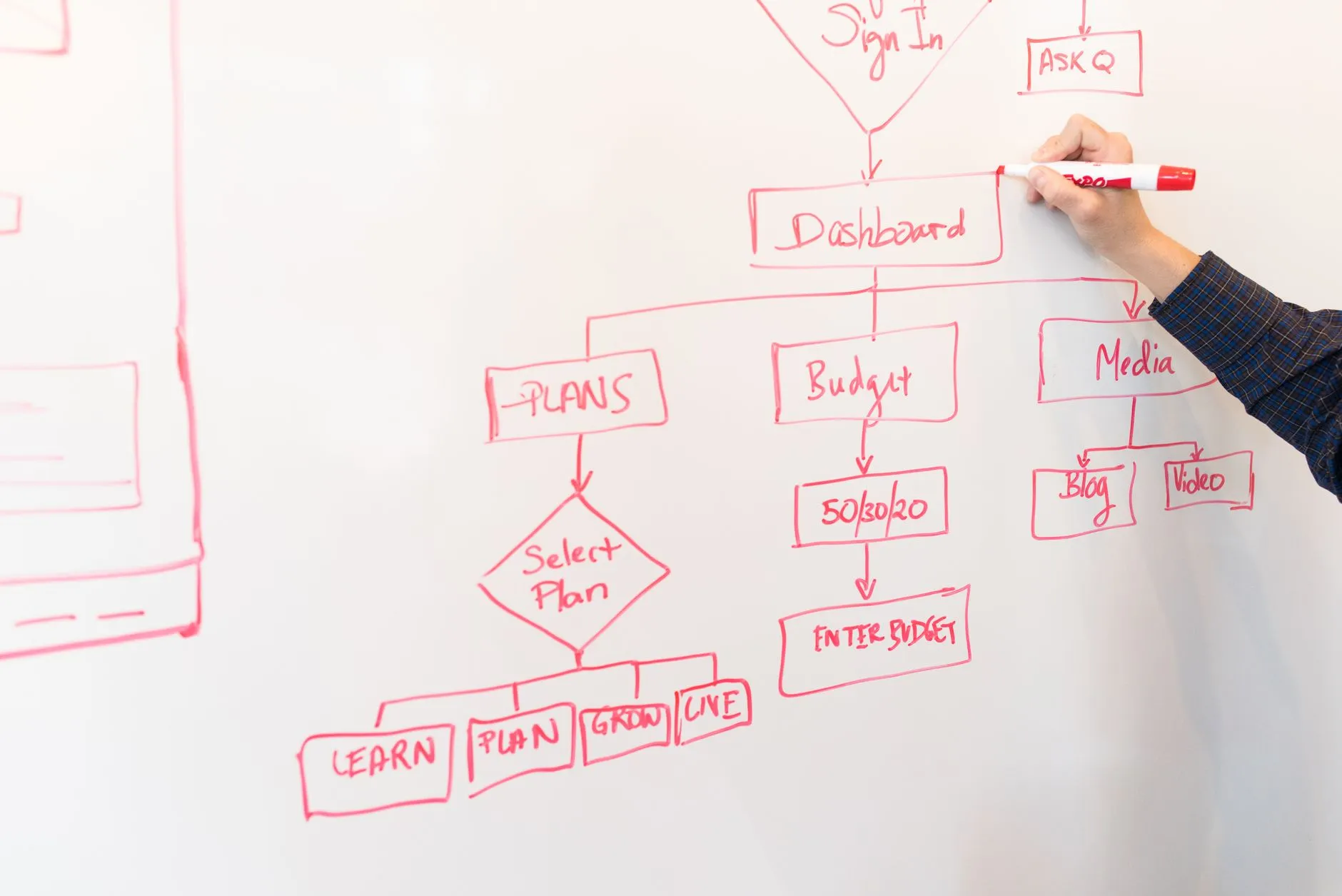
The short version: An escalation matrix is a document that says when an incident must be escalated and who handles it at each level. It combines two ideas: functional escalation (passing the ticket to people with more skill or a different specialty) and hierarchical escalation (informing people with more authority). The template below gives you the fields to fill in, written as numbered lists so it works in any document or ticketing tool.
When an IT incident drags on, the worst question to be asking is "who should I tell?" An escalation matrix answers it in advance. It lists who is responsible at each stage, how long they have before the ticket moves on, and who must be told. Without one, escalation depends on whoever happens to be on shift, and it tends to happen late.
This guide explains what an escalation matrix is, the difference between functional and hierarchical escalation, and what to put in the document. It then gives a copyable template as numbered lists, a worked example with invented names, and a short checklist for keeping the matrix alive. We also cover what to ask a managed IT provider about theirs.
What is an escalation matrix?
An escalation matrix is a document or system that defines when escalation should happen and who should handle incidents at each escalation level. That is how Atlassian puts it in its incident management guide on escalation policies, which we read on 28 October 2026. The same page notes that the level of detail varies a lot between organisations: some use a simple hierarchical chart in which each person escalates to someone with more skill, while others keep situation-specific matrices that say which team to contact for different types of incidents or severity levels. It also says there is no one-size-fits-all answer, and advises treating an escalation policy as guidelines rather than a hard set of rules.
In IT support, a matrix usually answers five questions for each priority:
- Who owns the ticket first?
- How long do they have before the ticket must move?
- Who takes it next?
- Who has to be told, even if they are not working on it?
- How is each person reached, including out of hours?
It is different from a support tier model. Tiers (L1, L2, L3) describe levels of skill; the matrix says when and how to move between them and who sits above them. If you want the tier model first, read our guide to L1, L2 and L3 support levels.
What is the difference between functional and hierarchical escalation?
These two terms are used in ITIL-style service management. We did not re-read the paid ITIL publications for this article, so the explanation below is our description of common practice, not a quotation.
Functional escalation
Functional escalation moves a ticket to a person or team with more specialised knowledge or different skills. It is sideways or upwards in skill, not in rank.
- Trigger: the current level cannot solve the ticket, or the ticket needs a specialist, such as network, security or a particular application team.
- Direction: from L1 to L2, from L2 to L3, from L3 to a vendor.
- Who is told: the specialist receiving the ticket, and the ticket owner remains the same unless it is formally transferred.
- Example: a service desk agent escalates a firewall fault to the network engineer.
Hierarchical escalation
Hierarchical escalation moves information, and sometimes the decision, to a person with more authority. It is upwards in rank, not in skill.
- Trigger: the incident is serious, is taking too long, or needs a decision beyond the current person's authority, such as spending money, calling in an external party or telling customers.
- Direction: from the team lead to the service manager, to the head of IT, to a director.
- Who is told: managers and business owners who need to know and may need to decide.
- Example: the service manager tells the head of IT that a P1 has not been fixed after the agreed time and that a vendor visit would cost extra.
Most real escalations use both at once. A P1 fault goes sideways to a specialist team and, at the same time, upwards so that managers know and can clear obstacles. A good matrix keeps the two paths separate on the page so people can see which one they are on.
What fields should an escalation matrix contain?
Every matrix should record the same basic fields, whatever the format.
- Priority or severity level, as defined in your SLA. If you need help setting this, see our guide to severity vs priority in IT incidents.
- Service or system, because the right specialist team depends on what is broken.
- Level number, from first line up to the final level.
- Role and name, with a named deputy for each role.
- Contact methods, in the order they should be tried: phone, messaging app, email.
- Hours of availability, and the on-call arrangement outside them.
- Time limit at this level, after which the ticket moves on automatically.
- Notification list, who must be informed when the ticket reaches this level.
- Decision rights, what this level may decide without asking.
- Last reviewed date, and who owns the document.
Escalation matrix template
This is a template to copy and fill in. Everything in square brackets is a value you choose. Do not take the example times as a standard; set yours from your own SLA, your staffing and the risk to your business.
Part 1: Document control
- Matrix name: [Company or service name] IT escalation matrix.
- Owner: [role, for example head of IT or service delivery manager].
- Version and date: [version number and date].
- Review cycle: [for example, every quarter and after every major incident].
- Applies to: [list of services, sites or customers covered].
Part 2: Time triggers by priority
For each priority, record the first response target, the time limit before the first escalation, and the time limit before the next one. Use the targets in your SLA.
P1, critical
- First response within [minutes, from your SLA].
- If not resolved within [minutes], escalate to the next level and notify the service manager.
- If not resolved within [minutes], notify the head of IT and the business owner.
- Update the affected users every [minutes] until resolved.
P2, high
- First response within [minutes, from your SLA].
- If not resolved within [hours], escalate to the next level.
- If not resolved within [hours], notify the service manager.
- Update the affected users every [hours].
P3, medium
- First response within [minutes, from your SLA].
- If not resolved within [business days], escalate to the next level.
- Update the user at least every [business day].
P4, low
- First response within [minutes, from your SLA].
- If not resolved within [business days], review at the weekly service meeting.
Part 3: Functional escalation path
For each service area, list the people in the order they are engaged. Repeat the block for each area.
Service area: [for example, end-user devices]
- Level 1: [role and name], [contact methods], [hours].
- Level 2: [role and name], [contact methods], [hours].
- Level 3: [role and name], [contact methods], [hours].
- Vendor or external party: [company, contract or case number, support line, support level].
Service area: [for example, network and security]
- Level 1: [role and name].
- Level 2: [role and name].
- Level 3: [role and name].
- Vendor or external party: [details].
Service area: [for example, business applications]
- Application owner: [role and name].
- Technical lead: [role and name].
- Vendor support: [details].
Part 4: Hierarchical escalation path
List the people who must be told as the incident grows, in order of seniority.
- Team lead: [role and name], told when [condition, for example any P1 or any P2 past its time limit].
- Service delivery manager: [role and name], told when [condition].
- Head of IT or technology director: [role and name], told when [condition, for example a P1 has run longer than the second time limit].
- Business owner of the affected service: [role and name], told when [condition, for example the service is unavailable to customers].
- Executive sponsor: [role and name], told when [condition, for example a data loss or security event, or an outage with legal or contractual exposure].
Part 5: Automatic triggers regardless of time
- Suspected security incident: notify [security lead] immediately and follow the security incident procedure.
- Confirmed data loss or data exposure: notify [executive sponsor and data protection contact] immediately.
- Same fault reported by [number] or more users: treat as a major incident and engage the major incident manager.
- Safety or physical site risk: contact [facilities or emergency contact] first.
Part 6: Out-of-hours arrangements
- Service hours: [for example, 8x5 or 24x7, from your contract].
- On-call rota: [where it is kept, who updates it, how handover is confirmed].
- Out-of-hours contact method: [phone number or paging tool, not email alone].
- What qualifies for an out-of-hours call: [for example, P1 and P2 only].
- Backup if the on-call person does not answer within [minutes]: [deputy, then manager].
Part 7: Communication rules
- Who speaks to the affected users: [role].
- Who speaks to senior management: [role].
- Who speaks to customers or third parties: [role, with approval from whom].
- Update channel: [for example, a status page, a chat channel or email list].
- Update format: what we know, what we are doing, when the next update is due.
- Closing message: states the cause if known, the fix applied and any follow-up.
Part 8: After the incident
- Record all escalations in the ticket, with times.
- Review any incident that reached [level] at the next service meeting.
- Create a problem record if the cause is unknown or has repeated.
- Update this matrix if a contact was wrong, a time limit was unrealistic, or a step was missing.
A worked example with invented names
This example is fictional and only shows how the parts connect.
- 09:02: Sam, on the service desk, logs a ticket: no one at the head office can open the finance application. Sam sets the priority as P1 under the matrix and tells the team lead, Priya, as Part 4 requires.
- 09:15: Sam has checked the basics and found nothing wrong at the user end. Under Part 3 the application sits in the business applications area, so Sam escalates functionally to the technical lead, Dev, with a handover note listing what has been tried.
- 09:40: Dev finds that the application's database server is not responding and calls the vendor's support line listed in Part 3.
- 09:45: The first time limit for P1 expires. Under Part 4 the service delivery manager, Maria, is notified and Priya sends the first update to users.
- 10:30: The second time limit expires. The head of IT and the finance director, who owns the application, are told by Maria. The finance director decides to authorise the vendor's emergency fee, a decision that sat above Dev's authority.
- 11:20: The vendor restores the service. The ticket is closed with a note recording every escalation and the times. A problem record is raised to find the cause.
Notice how the matrix helped at each step: Sam did not need to guess who to call, Dev did not need to wait for approval to contact the vendor, and the finance director heard about the problem in time to make a decision.
How do you keep an escalation matrix useful?
A matrix that is written once and never touched becomes harmful, because people trust it and it sends them to someone who left. Keep it alive with a short routine.
- Review every quarter, and after every major incident.
- Check every contact, by calling or messaging each one during the review.
- Test the out-of-hours path, with a planned drill that includes the on-call phone.
- Publish one current copy, in a place every agent can reach even if the main systems are down.
- Record when the matrix was not followed, and ask why. The reason is usually a gap in the matrix.
- Share it with your provider, and ask for theirs.
What are the common mistakes?
- Names instead of roles. People change jobs. Use roles with a named holder, and a deputy.
- Only one contact method. An email to someone on a plane does not escalate anything.
- Time limits that nobody can meet. A limit that is always missed teaches people to ignore it.
- No hierarchical path. Technical teams escalate sideways and managers learn about the incident from the users.
- No way to de-escalate. Say how the matrix is stood down once service is restored.
- The matrix lives only in the service desk tool. If that tool is the thing that is down, no one can read it.
What should you ask a managed IT provider about escalation?
If a provider runs part of your IT support, their escalation matrix becomes part of yours. Questions worth asking before you sign:
- Can we see the matrix, with the time limits for each priority?
- Which of our own staff are in it, and what do they have to do when they are called?
- Who in the provider's team is the manager at each hierarchical level?
- How do we reach the provider out of hours, and what counts as an out-of-hours escalation?
- When does the provider escalate to a vendor, and who authorises extra cost?
- How will we see the escalation history in the monthly report?
Brocent publishes its response targets on the SLA page, which we checked on 28 October 2026: a 15-minute first response for P1 and P2, 30 minutes for P3, and 60 minutes for P4 and P5, within the standard 8x5 or premium 24x7 service window and subject to contract terms. Our P1 response time is public, and the managed IT support plans and per-user pricing shows it too. For what each priority level means, read our guide to P1 to P4 priority levels in an IT support SLA, or see the 24x7 help desk IT support overview. To talk through how escalation would work for your own team, you can contact us.
Frequently asked questions
What is an escalation matrix?
It is a document that defines when an incident must be escalated, who handles it at each level, how long each level has, who must be told and how to reach them.
What is the difference between functional and hierarchical escalation?
Functional escalation passes the ticket to people with more specialised skills. Hierarchical escalation informs people with more authority so they can decide or help remove obstacles. Serious incidents usually need both at once.
How many levels should an escalation matrix have?
Three to five is common for IT: first line, second line, third line or vendor, then management levels. More levels slow decisions, and fewer can leave a gap between the engineers and the executives.
What time limits should we use?
Set them from your own SLA and your capacity. The numbers in any template, including this one, are placeholders. Start with your published response targets and add a margin for each handover.
Who should own the escalation matrix?
A named role, usually the service delivery manager or head of IT, who is responsible for reviewing it and for making sure every contact is current.
How is an escalation matrix different from an on-call schedule?
The on-call schedule says who is available at a given time. The matrix says what order to engage people in and when. The two should refer to each other.
Do we need a separate matrix for security incidents?
Often yes, or at least a separate part, because security events involve different people, such as a security lead and a data protection contact, and have different notification duties.
Can the matrix be a table?
Yes, in a spreadsheet or document it is often shown as a grid. The structure is the same either way; this article uses numbered lists so it can be copied into any tool.
Where to go next
For how priorities are set, read severity vs priority in IT incidents. For the skill levels the matrix connects, see L1, L2 and L3 support levels. When a P1 turns into a large-scale outage, the next step is the major incident management process. If you are working out how to split responsibility between your team and a provider, see SLA vs OLA.
*Sources checked 28 October 2026: Atlassian, incident management guide on escalation policies (atlassian.com/incident-management/on-call/escalation-policies); Brocent SLA page (brocent.com/sla).*
Want these targets in a contract, not a slide? Brocent's managed IT support plans publish the SLA and the per-user monthly price side by side for Hong Kong, Singapore, mainland China and the United States. See the plans and pricing or talk to a consultant.
Share:
Ready to take action?
Turn these insights into a roadmap for your business.
Book a 15-minute no-obligation consultation with our APAC IT experts. We'll review your current setup and provide a tailored IT roadmap within 24 hours.
Related services
Free Checklist
10 Critical Checks Before Expanding IT to Greater China
PIPL compliance, network segmentation, bilingual helpdesk setup, and more — everything your IT team needs before Day 1 in China.
Request the checklist →📬 Monthly Asia IT Insights
China compliance updates, cybersecurity alerts, and IT tips for APAC teams — once a month.
No spam. Unsubscribe anytime.
Related Articles

Jul 13, 2026
IT Support SLA Priority Levels Explained: P1, P2, P3 & P4 Response and Resolution Times

Oct 30, 2026
L1, L2 and L3 Support Levels Explained: Who Does What and How Tickets Move Between Them

Oct 30, 2026
Severity vs Priority in IT Incidents: How the Impact and Urgency Matrix Works