Data Centre Disposal and Decommissioning: Process, Data-Destruction Evidence and Cost Drivers (Hong Kong and Singapore, 2026)
How to run data centre disposal and decommissioning in Hong Kong and Singapore: the step-by-step process, data destruction by media type, resell versus recycle versus shred, the evidence to demand and what drives the cost.
Short answer: data centre disposal is the controlled process of retiring racks or a whole room: inventory every asset, power down in a planned order, remove or destroy the data on every storage device, decide what is resold, recycled or shredded, move everything under documented chain of custody, and finish with a certificate that lists each asset and its outcome. The two things that decide whether the project is defensible are the evidence trail (which device was erased or destroyed, how, and when) and the order of work (nothing leaves the building before it is counted and tagged). Cost is driven by volume, sites, methods, evidence depth and schedule, not by a per-drive list price.
What is data centre disposal and decommissioning?
Decommissioning is taking a data centre, room or set of racks out of service: moving workloads, shutting systems down and removing equipment. Disposal is what happens to the equipment afterwards: data destruction, resale, recycling or shredding. In practice they run as one project, because the disposal evidence is only as good as the decommissioning inventory it starts from.
People search for it under several names: data centre disposal, data centre asset disposal, server room clear-out, lease exit. The need is the same. A facilities or IT lead has equipment that must leave a building by a date, and an auditor, landlord, insurer or customer will ask for proof of what happened to the data.
For a scenario of a Singapore lease exit, read data centre decommissioning in Singapore: lease exit. This guide is the process behind it.
What is the process, step by step?
A defensible project follows the same order every time. The sequence below follows the published ITAD process that Brocent runs, with the data-centre specifics added.
1. Scope and decide the evidence you need. Before touching equipment, write down which sites, how many racks and devices, the deadline, and which standards or contracts require proof. Decide whether erasure happens on your premises or at a processing facility. Both are workable; the choice is fixed in the statement of work before anything moves.
2. Inventory on site. Every device is counted, tagged, photographed and logged against your asset register before anything is moved. This is the baseline everything else is reconciled to. Anything not on the register that turns up in the room is added and queried.
3. Migrate and confirm. Workloads, data and licences must be moved or retired and signed off by their owners. Do not power down a system until its owner confirms it is no longer needed and its data is backed up where required.
4. Power down in order. Plan the order: dependent systems first, shared services (identity, network core, storage) last, power and cooling at the end. Record the time each system went down.
5. Un-rack and pack. Devices are removed, packed against damage and placed in sealed, locked containers. Seals and container numbers go on the manifest.
6. Secured transport. A dedicated vehicle moves sealed containers to the processing facility with chain-of-custody documents signed at each handover.
7. Intake check. At the facility, containers are opened against the manifest. Any difference between what left your site and what arrived is raised immediately.
8. Data destruction, per media type. See the next section.
9. Photo and video evidence of physically destroyed media, taken during and after destruction.
10. Network device reset. Routers, switches and firewalls are reset through the console to remove configuration, VLAN tables and credentials.
11. Quality review. The erasure reports are reviewed for missing or failed devices. Gaps are resolved before the batch is cleared.
12. Resale, recycling or shredding, then the certificate. A final Certificate of Disposal lists every asset by serial number and asset tag, with the method and date.
How is data destroyed, and which method for which media?
The right method depends on the media and on what your policy or contract requires. Keep the decision in the statement of work, not in the technician's judgement on the day.
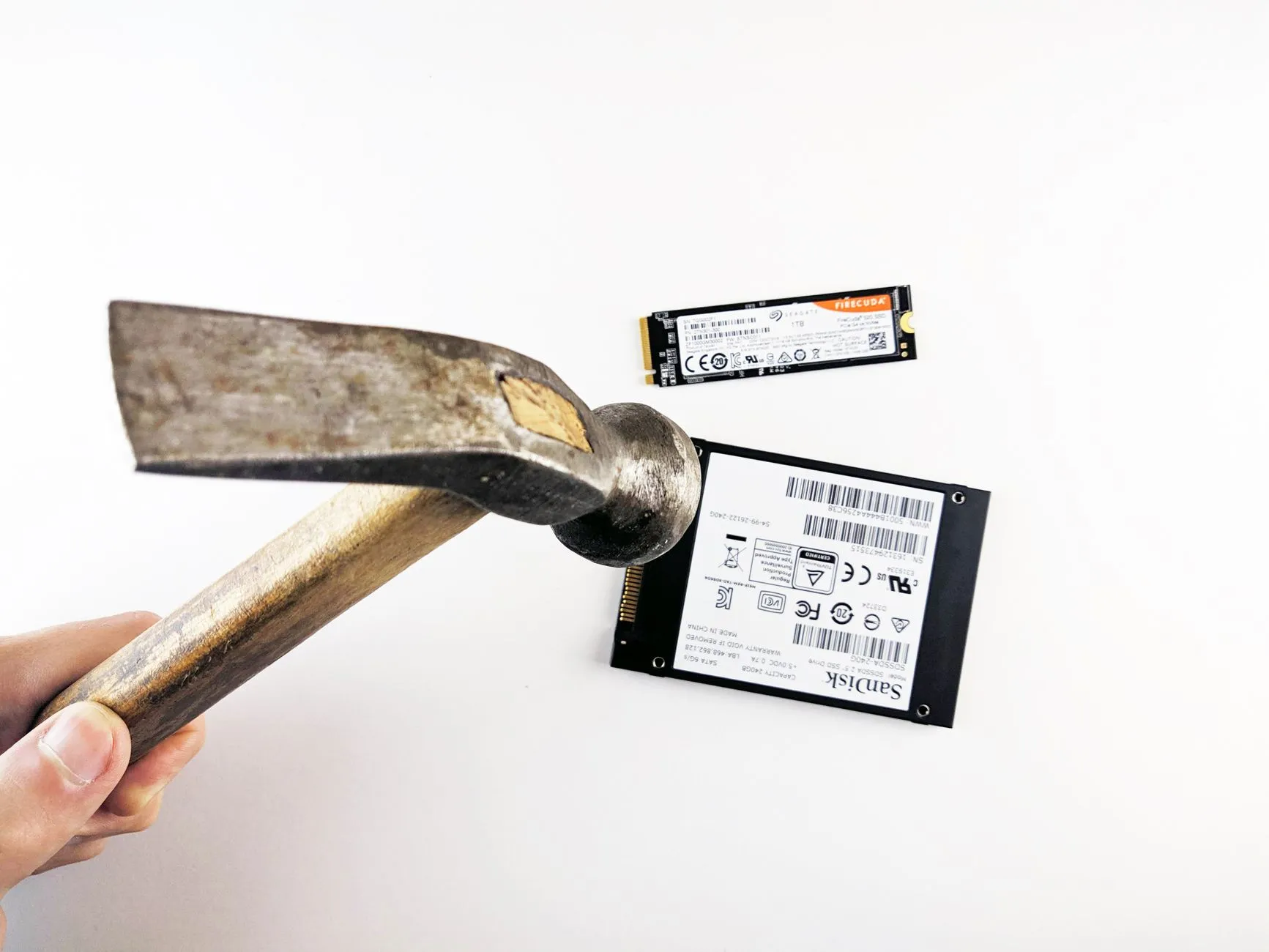
- Hard disk drives (magnetic). Software erasure with a verified, signed report per drive is the usual route when the drive is to be reused or resold. If policy requires that readable data never leaves the premises, drives are physically destroyed on site, for example by punch or drill, with photo evidence.
- Solid-state drives and NVMe. Flash media cannot be treated like spinning disk. Erasure uses firmware-level sanitise commands or cryptographic erase where the drive supports them, plus overwriting and verification. A drive that cannot complete a verified erasure should be physically destroyed rather than given the benefit of the doubt.
- Tapes and other removable media. Treat as physical destruction unless a documented, verified method exists for the specific media.
- Network and appliance devices. Reset configuration, then confirm no credentials or keys remain; destroy the storage if the device has any.
- Anything that fails. A drive that fails erasure or whose verification cannot complete goes to physical destruction and appears on the final certificate as destroyed, never back into the resale or recycling stream.
Physical destruction methods available include punch or drill, degaussing, bending and industrial shredding through a certified partner. If your policy sets a maximum particle size for shredded media, say so at scoping: the size depends on the partner's machine, so it is fixed in the statement of work and stated on the destruction certificate.
The detailed answers to the questions security reviewers ask, including standards and what the reports contain, are on the data erasure process page. For a worked case across several countries, see multi-country IT asset disposal in Asia.
Resell, recycle or shred? How to decide
Not every device should be handled the same way.
- Resale or redeployment recovers value, but only for devices whose data is verifiably erased and whose condition and age support a market. It also carries the most risk if erasure evidence is weak.
- Recycling through a certified e-waste partner suits devices with no resale value. Ask for a recycling certificate and confirm the partner's route avoids landfill.
- Shredding is the right answer for media that failed erasure, media that cannot be verified, and any device your policy says must not be reused.
A simple rule: decide per asset class before the project starts, and let the evidence decide exceptions. The value recovered from resale rarely covers the project, so do not let a resale target push you into weaker data-destruction evidence.
What evidence should you receive?
Whatever the method, you should end with documents that tie each asset to an outcome:
- A per-device erasure report with serial number, standard and method, verification result, time and software version, ideally digitally signed.
- A destruction certificate for physically destroyed media: serial number, asset tag, device type, method and date.
- A Certificate of Disposal and a batch report listing every asset and its outcome, written to be used as evidence in an ISO 27001 audit or regulatory review.
- A recycling certificate where recycling is part of the project.
- The manifest and chain-of-custody records from your site to the facility.
Reconcile the certificate against your asset register. If a serial number is on the register and not on the certificate, ask why before you sign off.
What drives the cost?
There is no honest per-drive or per-rack list price for this work, because the drivers are logistical. This article does not quote prices. What moves a quote:
- Devices: quantity, size and weight, which set vehicles, labour hours and packing materials.
- Sites: locations, site access rules (loading docks, lifts, permits, building management hours), and whether the room must be restored to a condition required by the landlord.
- Methods and tools: which erasure and destruction methods your policy requires, and the licences and equipment they use.
- Evidence depth: inventory detail, certificate formats, photo and video requirements.
- Schedule: business hours versus overtime or out-of-hours work, and the deadline.
Brocent quotes ITAD per project against a signed statement of work. If the project is part of a wider move or lease exit, related project lines such as relocation are listed on the professional services pricing page, and the disposal service is described on the IT asset disposal services page. If the equipment is moving rather than leaving, read data centre relocation in Hong Kong instead.
What goes wrong most often?
- No baseline inventory. If the room was not counted before work began, no certificate can prove completeness.
- Powering down in the wrong order, which takes down shared services other teams still need.
- Leaving removable media behind: tapes, spare drives in cabinets and drives inside decommissioned appliances.
- Vague scope on destruction method, so the technician chooses on the day.
- Accepting a certificate without reconciling it to the asset register.
- Treating resale value as the goal, and relaxing evidence to protect it.
- Forgetting the lease: reinstatement obligations, notice periods and landlord access hours.
Frequently asked questions
What is the difference between decommissioning and disposal?
Decommissioning takes systems and equipment out of service. Disposal is what happens to the equipment afterwards: data destruction, resale, recycling or shredding. They are usually one project.
Can data be erased on our premises?
Yes. Both on-site and off-site models are available, and the choice is fixed in the statement of work before any device is moved. On-site is chosen when your policy requires that readable data never leaves the building.
How do you destroy data on SSDs?
With firmware-level sanitise or cryptographic erase where supported, overwriting and verification. A drive that cannot complete a verified erasure is physically destroyed.
What if a drive fails erasure?
It is physically destroyed and listed on the final certificate with its serial number and method. It never re-enters recycling or resale.
What certificates do we get?
Per-device erasure reports, destruction certificates for destroyed media, a Certificate of Disposal listing every asset, and a recycling certificate where recycling is included.
How long does a data centre disposal take?
It depends on volume, site access and the evidence required, so it is scoped per project. Agree the deadline at scoping and work back from your lease date.
Do you publish a price per drive?
No. ITAD is quoted per project, because cost depends on logistics and evidence depth rather than on a per-drive figure.
Next step
Start with your asset register and your deadline. List the sites, the racks, the media types and the standard your policy or contract requires, then ask each provider for a sample certificate and a written method per media type. To discuss your project, read the IT asset disposal services page and the data erasure process, or talk to a Brocent consultant with your device list and policy requirements.
Share:
Ready to take action?
Turn these insights into a roadmap for your business.
Book a 15-minute no-obligation consultation with our APAC IT experts. We'll review your current setup and provide a tailored IT roadmap within 24 hours.
Explore all servicesFree Checklist
10 Critical Checks Before Expanding IT to Greater China
PIPL compliance, network segmentation, bilingual helpdesk setup, and more — everything your IT team needs before Day 1 in China.
Request the checklist →📬 Monthly Asia IT Insights
China compliance updates, cybersecurity alerts, and IT tips for APAC teams — once a month.
No spam. Unsubscribe anytime.