When the Till Won't Take Cards: Retail POS IT Support for a Hong Kong Concession Counter
For the operations manager running a Hong Kong beauty or personal-care group's concession counters inside host department stores, plus two or three standalone boutiques. What L1 retail and POS support actually has to cover when the network — and very often the payment terminal — belong to someone else: the five things that break, how to triage who owns the fault in minutes without a site visit, escalation contacts for the host store, the acquirer and the POS vendor, seasonal account administration, realistic on-site SLAs for a department-store counter, and event/pop-up support. An illustrative composite scenario, not a description of any named retailer or department store group.
When the till at a department-store beauty counter stops taking cards, the fault is usually not yours, and the network definitely is not yours. Retail POS IT support at a concession counter is triage across three owners — the host store, the acquirer, and the POS vendor — before it's ever a ticket queue, and the person reporting the fault is a beauty adviser with a queue building behind her.
The scenario: a counter inside someone else's store
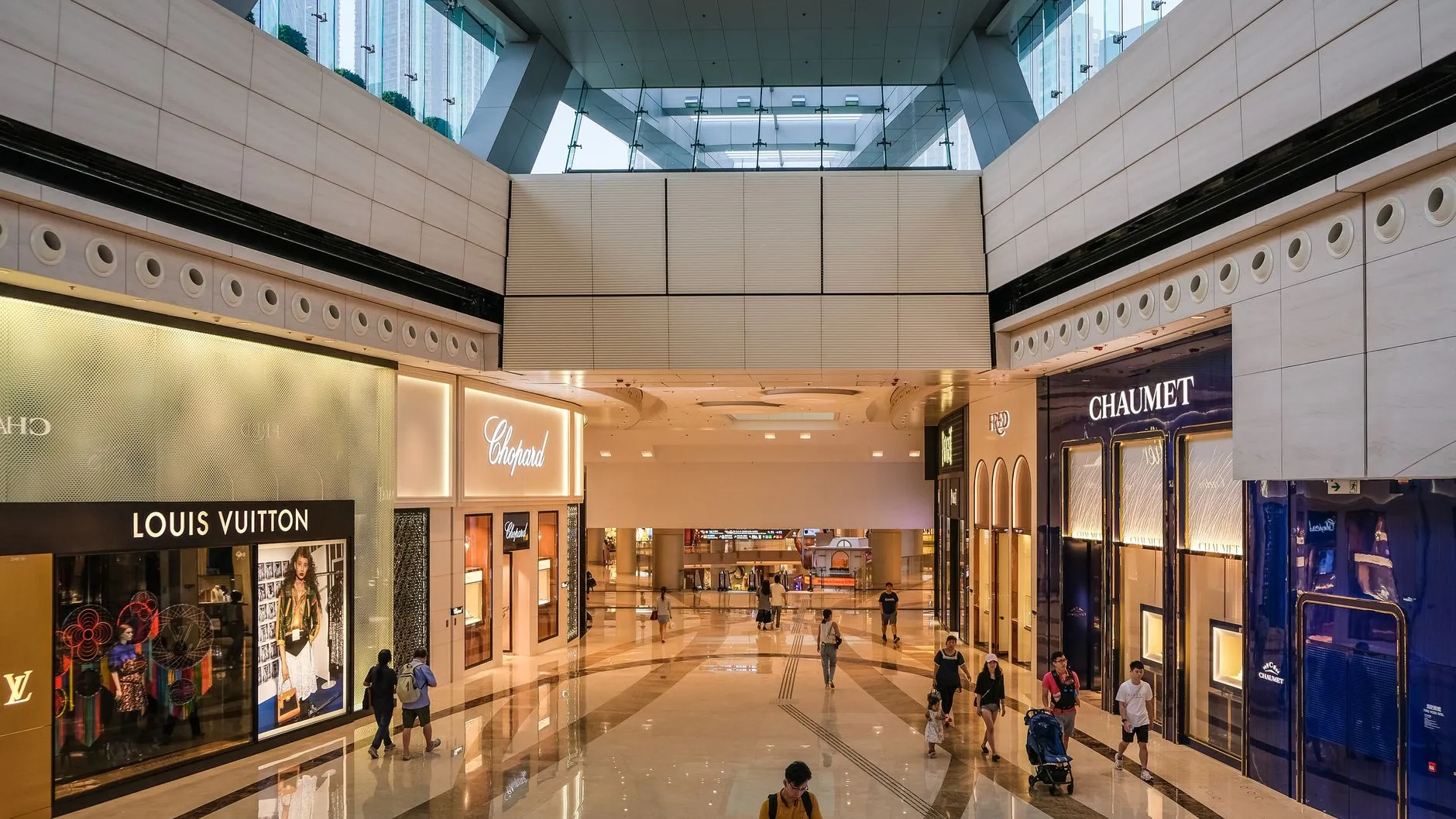
Picture a counter for an international beauty or personal-care brand, set up inside a department store's cosmetics floor. It sits alongside a dozen other brands' counters, all reporting to the same store manager, all plugged into the same landlord network, all sharing one loading bay and one set of trading hours that nobody at the counter controls.
This is a different shape of retail IT problem from a chain that owns and runs its own shops. There is no comms room here — no rack, no router you can reboot, no cabling you installed. The Wi-Fi and the wired drops at the counter belong to the host department store, configured to the host's own security policy, segmented however the host's IT team decided to segment it. The payment terminal is very often supplied and managed by an acquirer or bank under the counter's own merchant agreement, not by the beauty brand's IT department at all. The till software runs on a device the brand owns, but it authenticates against systems the brand's own team may never have installed.
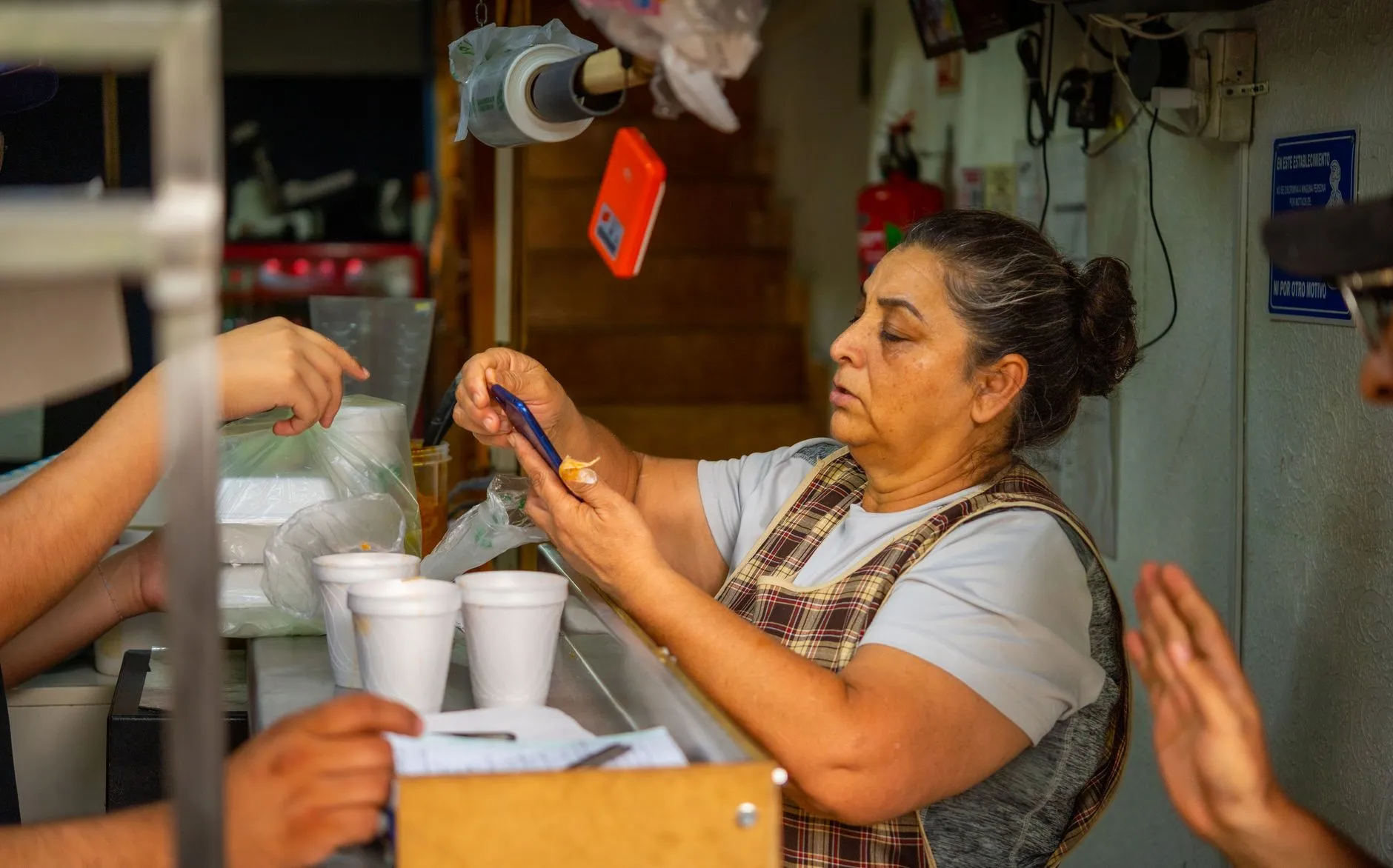
And the person standing at the counter when something breaks is a beauty adviser mid-consultation, with a customer waiting and a trading day that cannot simply pause while someone works out whose problem this is. Two or three standalone boutiques might sit alongside the concession counters in the same portfolio — those have their own comms cupboard and a bit more control — but the counters inside the host stores are the hard case, and they are usually the majority of the footprint.
This is deliberately not the multi-store Hong Kong retail-chain story that shows up elsewhere on this site. Choosing an IT support partner for a Hong Kong retail chain and a Hong Kong retail chain's wireless network solution both describe a chain that owns its own stores, its own network controller, and its own comms cupboards across nine to fourteen outlets — a business that can standardize its own infrastructure end to end, put its own access points on its own controller, and treat every new outlet as a copy of the last one. A concession counter cannot do any of that. It has no comms room to standardize, because it never had one to begin with, and the network it depends on was never its own network to configure in the first place. L1 retail and POS support for a concession footprint is a different job: less about controlling infrastructure, more about knowing exactly which of three doors to knock on when something at the counter stops working, and doing it fast enough that the queue doesn't notice.
The commercial shape is different too. A retail chain negotiates one lease, one fit-out, one network build per store it opens. A concession operator negotiates counter space inside somebody else's building, on that host's terms, renewed on that host's schedule — sometimes a handful of counters in one flagship store, sometimes a dozen counters spread across several department stores in the same city, each with a slightly different host network policy, a different loading-bay procedure, and a different facilities contact. The illustrative scenario running through this article — a beauty or personal-care operator with counters inside several host department stores plus two or three standalone boutiques — is a composite built from that shape of business generally, not a description of any single named retailer or department store group.
The five things that actually break
Almost every fault a concession counter reports reduces to one of five categories. Knowing the shape of the problem in advance is most of what makes the triage below possible.
- The payment terminal — the card reader itself refuses transactions, won't connect, or throws an error code the beauty adviser has never seen before. This is the fault most likely to have an audience: a declined card in front of a customer is the most visible failure a counter can have.
- The till application — the point-of-sale software on the till device freezes, won't log a sale, or shows stock or pricing that doesn't match what's on the shelf. Sometimes this is a genuine software bug; more often it's the till losing its connection to whatever system feeds it pricing and stock data.
- Connectivity — the counter's Wi-Fi or wired connection to the host store's network drops, is slow, or won't authenticate a new device. Because this network belongs to the host, a connectivity fault at one counter is sometimes actually a floor-wide event that every other brand's counter is quietly also fighting.
- The printer or scanner — the receipt printer jams or runs out of paper mid-queue, or the barcode scanner stops reading. Mechanically the simplest category, but the one most likely to physically stall a queue while it's being fixed.
- The account or till login — a staff member can't sign in, a shared till login has locked out, or a new starter has no access on day one of a promotion. This category gets worse, not better, during exactly the periods when the counter is busiest and staffing is most seasonal.
None of these five is exotic on its own. What makes them hard is that the fix for each one sits with a different party — the host store, the acquirer, the POS vendor, or L1 support itself — and the beauty adviser reporting the fault, mid-queue, has no way to know which one it is.
Triage when you don't own the layer
The real skill in concession-counter L1 support is establishing, within a few minutes and without a site visit, which of four parties owns the layer that's actually broken. Get this wrong and a phone call goes to the wrong desk, the queue gets longer, and the beauty adviser loses confidence that calling for help does anything at all.
Who owns which layer
- The host store owns the physical network at the counter — the cabling, the Wi-Fi access point, the switch port, and the security policy applied to anything plugged into it. If the connection is down for every counter on the floor, not just yours, it's the host store's network team, not you.
- The acquirer owns the payment terminal hardware and the card-payment rails behind it in most concession arrangements. A terminal declined error, a communication failure between the terminal and the bank, or a firmware update to the payment device itself is usually the acquirer's problem to fix, not something an IT support provider can resolve directly — see the note on payment terminals below.
- The POS vendor owns the till application itself — the software that rings up a sale, tracks stock, and reports back to head office. Bugs in the application, a broken software update, or a licence expiry sit with the vendor who built and licenses the platform.
- You (L1 support) own everything in between: the till hardware itself, the printer and scanner, the local account and login layer, and — critically — the triage judgement that works out which of the other three doors to knock on, plus escalating and following up until the fault is actually closed.
A useful three-minute check before escalating anywhere: is the fault isolated to one counter, or is every counter on the floor affected (points to the host store's network); does the terminal display a network error or a transaction-decline error (points to connectivity versus the acquirer); and has anything changed recently — a software update, a new starter, a till swap (points to the vendor or to account administration). Most faults sort themselves into one of the four owners within that check, and the value of having the check written down at all is that anyone answering the phone can run it consistently, rather than triage quality depending on which engineer happens to pick up.
It's also worth being explicit about what triage is not. It is not a promise to fix every layer directly — L1 support was never going to repair a fault inside the acquirer's payment network, and pretending otherwise just delays the moment the acquirer actually gets called. Triage is the judgement call about which door to knock on first, made fast enough that the counter isn't left waiting on a call that was never going to help.
Payment terminals: what an IT support provider can and can't fix
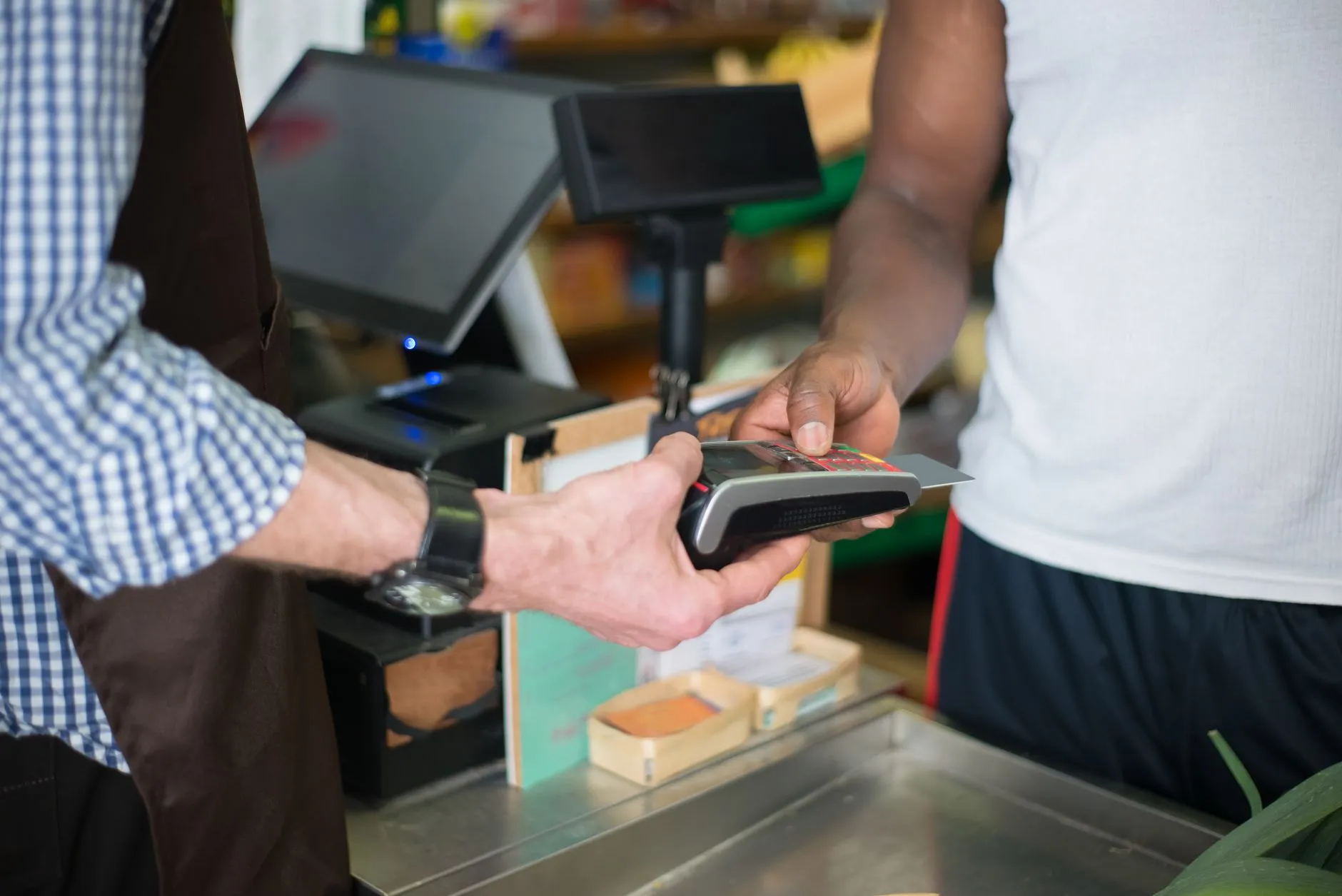
This is worth stating plainly rather than leaving it implied. In most concession and department-store arrangements, the payment terminal is supplied, configured and serviced by the acquirer or the bank under the merchant's own payment agreement — not by the retailer's general IT support provider. That means an IT support engineer at the counter can usually confirm whether the terminal has power and a network connection, restart it, and relay error codes to the acquirer's own support line — but replacing the unit, resetting its payment configuration, or fixing a fault inside the payment rails themselves is not something a general IT provider is set up to do, and it would be misleading to suggest otherwise. What L1 support can own reliably is everything connecting to the terminal: the till application it talks to, the network path it depends on, and making sure the right acquirer contact is called the first time rather than the third.
Escalation paths that exist before you need them
None of the triage above works at 11am on a Saturday if nobody has already worked out who to call. The escalation contacts that matter for a concession counter are usually the same four every time, and the value is having them documented and current before the queue starts forming:
- Someone at the host store — the department store's own facilities or IT contact for the floor, for network and building-infrastructure faults that aren't specific to your counter.
- Someone at the acquirer — the payment provider's merchant support line, with the counter's own terminal ID and merchant number to hand, so the call doesn't start with twenty minutes of identity verification.
- Someone at the POS vendor — a support contact or ticket portal for the till application itself, separate from the terminal.
- A contact on the counter — someone at the counter itself, ideally the most senior beauty adviser on shift, who knows enough to answer the triage questions above over the phone before anyone needs to travel.
Building this list once, before the first fault, is most of the difference between a ten-minute fix and a lost trading hour. It's also worth treating the list as a living document rather than something written once and filed away — host-store facilities contacts change, acquirer support lines get reorganised, and a POS vendor's support portal login can quietly expire between seasons. A quarterly check that the four contacts are still correct is a small amount of work that prevents the worst version of this problem: discovering on a launch morning that the escalation contact from eighteen months ago has left the host store and nobody updated the list.
In practice, a beauty adviser at the counter shouldn't need to remember which of the four contacts to call — that's the point of a central helpdesk that does the triage on her behalf. Brocent's own 24×7 multi-lingual help desk is built for exactly this pattern: one number to call by phone, email or chat, handling around 15,000 IT incidents and service requests a year with 90% of calls answered within 40 seconds, staffed in Mandarin, Cantonese and English, and escalating to on-site dispatch only when a remote fix genuinely isn't possible. The counter's job is to describe what's wrong; working out whether that means calling the host store, the acquirer, the POS vendor or dispatching an engineer is the helpdesk's job, not something the beauty adviser should have to figure out mid-queue.
Account administration as an L1 job
A beauty or personal-care concession business typically runs high seasonal staff turnover — extra headcount for a launch, a festive season, or a promotional weekend, with some of those staff only on the payroll for a matter of weeks. Account administration for this kind of business is less about a formal joiner-mover-leaver policy document and more about a fast, repeatable process: a new starter needs a working till login and, where relevant, a payment-system user ID before their first shift, not sometime that week; a leaver's access needs to close out cleanly the day they leave, particularly on a shared till login that several staff have used; and a staff member moving between counters or stores needs their access to follow them without a support ticket every time. Treating this as a routine L1 process rather than an occasional favour is what keeps a shared till login from becoming an access-control problem nobody notices until it's a bigger one.
Part of the discipline here is simply keeping the list of who has access current at all, so that when a seasonal contract ends there's a clear record of exactly which logins that person held — the till, the payment system where applicable, any shared device — rather than an assumption that "someone probably switched the password." A concession counter with a handful of staff sharing one till login is a small system, but it's still a system, and the failure mode when nobody owns it is the same one larger retailers see at scale: access nobody remembers granting, still open long after the person who needed it has gone.
Onsite: what "fast" realistically means at a department-store counter
Sometimes the fault genuinely needs hands at the counter — a printer that needs opening up, a terminal that needs physically re-cabled, a till that needs to be swapped out. Two things shape how fast that can happen at a department-store counter specifically, on top of the ordinary dispatch SLA: loading-bay and goods-lift access rules set by the host store, which can add real time before an engineer even reaches the shop floor, and the fact that a trading floor rarely allows disruptive work — recabling, hardware swaps — during peak hours, so some fixes are scheduled around the trading day rather than instantly.
On the SLA itself, Brocent's Field IT Dispatch service publishes a 4-hour emergency dispatch window or next-business-day (NBD) for standard requests, with coverage across 100+ countries and more than 2,500 registered field engineers globally. For Hong Kong specifically, the published dispatch rate card lists a first-hour on-site rate for Level 1 end-user-computing support, next-business-day, standard 9×5 coverage — with faster SLA tiers available: normal business hours (8×5) target a 2-hour response for critical (P1) faults and 4 hours for high-priority (P2), extended hours (8×7) tighten that to 1 hour and 2 hours, and a 24×7 emergency tier targets 15 minutes for P1 and 1 hour for P2, with a 4-hour on-site arrival commitment. Which tier makes sense for a given counter is a scoping conversation, not a default — a flagship counter through a launch weekend and a quiet boutique on a Tuesday afternoon don't need the same coverage, and paying for a 24×7 emergency tier on every counter year-round when only two of them ever actually need it is money that could go toward better pre-staged spares instead.
The loading-bay point is worth taking seriously rather than treating as a footnote. A department store's goods-lift booking system, security clearance process for contractors, and restricted delivery windows can add real time before an engineer with a replacement till or printer even reaches the shop floor — time that doesn't show up in a published SLA figure because it sits outside the IT provider's control entirely. The practical fix is knowing each host store's access procedure in advance, the same way the escalation contact list above should already be known before the first fault, rather than an engineer discovering the goods-lift booking process for the first time while standing at the loading bay with a box under one arm.
Event and pop-up hardware: set-up, dismantle, and the kit that survives both
Beauty and personal-care brands run pop-up counters and in-store events constantly — a launch activation, a seasonal pop-up, a brand takeover for a weekend. The IT side of that is genuinely two separate jobs, not one: set-up (network drop or mobile connectivity, till and payment terminal staging, printer and scanner pairing, a working test transaction before doors open) and dismantle (safe power-down, asset accounting so nothing walks off the floor at a busy event, and a clean handback of any host-store infrastructure that was borrowed for the event). The kit list that actually survives both — spare cabling, a backup printer, a tested 4G/5G hotspot as a fallback connection, and clearly labelled cases for anything that has to travel between venues — is worth building once and reusing for every event rather than improvising it each time.
Pop-up events also tend to compress every one of the five fault categories above into a much shorter window: a payment terminal that misbehaves on a permanent counter can usually wait an hour for a fix, but a payment terminal that misbehaves ninety minutes into a two-day launch activation is a much bigger problem relative to the time available. That's the main reason event support is worth planning as its own service line rather than assuming the standard dispatch SLA automatically covers it — a launch weekend often justifies an engineer on standby for the full event rather than a reactive dispatch call after something has already gone wrong in front of a queue of invited guests.
The reporting that makes the next season easier
A single ticket tells you what broke once. A season of tickets, read together, tells you where the recurring pain actually is — which counter's Wi-Fi drops every weekend, which printer model keeps jamming, which acquirer's support line takes the longest to answer. Monthly or seasonal reporting that rolls ticket data up by counter, fault type and time-to-resolution turns that pattern into something the operations team can act on before the next peak trading period — pre-staging a spare printer at the counters that need it, or raising a persistent host-store connectivity issue with the right facilities contact ahead of the next launch, rather than rediscovering the same fault every season.
Where this leads: from per-counter triage to a per-user plan
Everything above describes how L1 retail and POS support actually works for a concession footprint — the triage, the escalation contacts, the account administration, the dispatch SLA, and the event support. It sits inside Brocent's wider retail IT support practice, which covers store networks, POS and back-office IT more broadly, but the concession-counter version of the job is narrower and more specific than the general retail-chain picture: less infrastructure to run, more triage judgement to get right.
For an operations manager running this across a dozen or more counters and a couple of boutiques, the next natural step is folding it into a standard managed IT plan: a fixed per-user or per-counter cost, one escalation process instead of ad hoc calls, and one partner accountable for coordinating with the host stores, the acquirer and the POS vendor on your behalf, rather than that coordination job sitting with whoever happens to be free at head office. See full pricing for how that's structured, or get in touch to talk through the counter count and current setup.
Frequently asked questions
Who fixes the payment terminal?
In most concession arrangements, the payment terminal itself is supplied and serviced by the acquirer or bank under the merchant's own payment agreement, not by the general IT support provider. L1 support can confirm power and network connectivity, restart the unit, and relay the fault to the acquirer's support line with the right terminal and merchant IDs — but replacing the device or fixing a fault inside the payment rails is the acquirer's job.
Can you support a till application you did not install?
Generally, yes for the parts within reach of L1 support — restarting the application, checking its connection to the network and to the payment terminal, and confirming staff logins — even where the till software itself was deployed and is licensed by the POS vendor rather than by us. Bugs inside the application or licensing issues still route to the vendor, but a working escalation path to that vendor is part of the service.
What if the department store's Wi-Fi is the problem?
Then it's a host-store network issue, not a counter-level one — and the tell is usually that more than one counter or brand on the floor is affected, not just yours. L1 support's role is to confirm that quickly (so nobody wastes time swapping cables at the till) and escalate to the host store's own facilities or IT contact, ideally using a relationship and contact list set up in advance rather than found on the day.
How fast can an engineer reach a counter?
It depends on the SLA tier agreed for that counter. Brocent's published dispatch rates for Hong Kong cover next-business-day as standard, with faster tiers available — down to a 4-hour on-site commitment under a 24×7 emergency tier, or 2-hour and 1-hour response targets for critical faults under business-hours and extended-hours tiers respectively. Loading-bay access rules at the host department store can add real time on top of the SLA window, which is worth planning for rather than being surprised by.
Do you support pop-up events?
Yes — pop-up and event counters need the same five fault categories covered as a permanent counter, plus proper set-up and dismantle: staging the till and terminal, testing a transaction before doors open, and a clean, accounted-for pack-down afterwards so nothing goes missing from a busy event floor.
How are seasonal staff accounts handled?
As a routine, fast L1 process rather than an occasional favour — a new starter gets a working till login before their first shift, a leaver's access is closed the day they leave, and a staff member moving between counters keeps continuity without a fresh support ticket each time. This matters more than usual in a business with high seasonal turnover and shared till logins.
What are your hours during holiday trading?
Coverage should be scoped to match the trading calendar for each counter rather than defaulting to standard business hours year-round — a launch weekend or a festive trading period typically needs an extended or 24×7 SLA tier, while a quiet period can run on the standard tier. This is a scoping conversation with your account team, not a fixed answer.
Do you cover Taiwan or Macau too?
Brocent's Field IT Dispatch network publishes coverage across Asia including Taiwan, alongside Hong Kong, Mainland China, Japan, Singapore, India, Thailand, Vietnam and Indonesia. Macau isn't on that published coverage list, so if a Macau counter is part of the footprint, that's worth raising directly with a consultant to confirm rather than assuming either way.
Share:
Ready to take action?
Turn these insights into a roadmap for your business.
Book a 15-minute no-obligation consultation with our APAC IT experts. We'll review your current setup and provide a tailored IT roadmap within 24 hours.
Free Checklist
10 Critical Checks Before Expanding IT to Greater China
PIPL compliance, network segmentation, bilingual helpdesk setup, and more — everything your IT team needs before Day 1 in China.
Request the checklist →📬 Monthly Asia IT Insights
China compliance updates, cybersecurity alerts, and IT tips for APAC teams — once a month.
No spam. Unsubscribe anytime.