How to Use Grok to Give Your NOC an Early Warning on Regional ISP Outages
A practical guide to layering a standing Grok watch on regional ISP and telecom outages on top of PRTG, Zabbix or SD-WAN monitoring — a branch-to-carrier map, a standing prompt, alert correlation and one-owner escalation — and where the X signal is weak, including mainland China.
Published
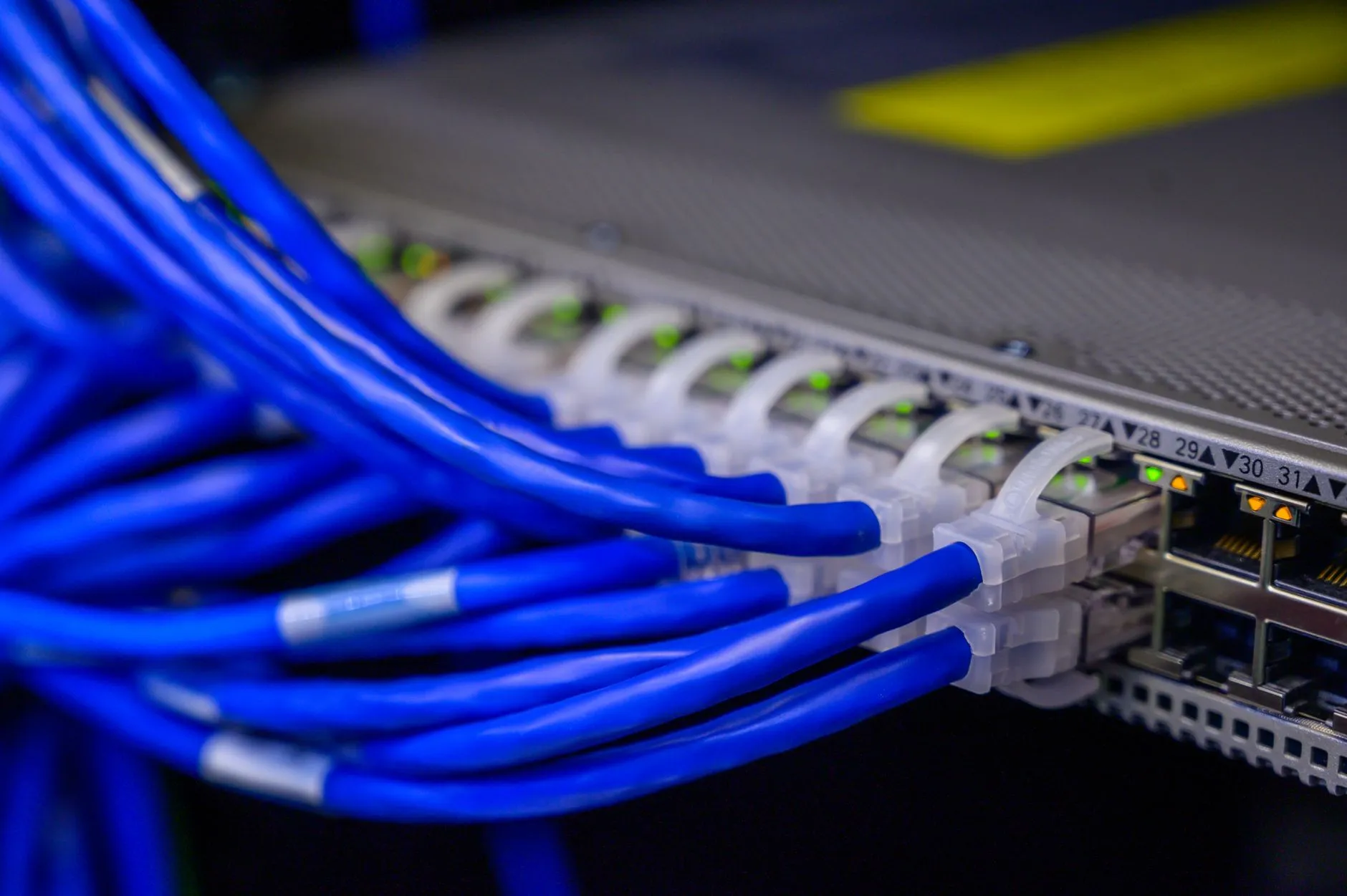
The short answer: When a branch office drops off the network, your NOC tools tell you the site is unreachable — they cannot tell you whether the cause is the branch's firewall or the carrier's network upstream of it. Grok can search public posts on X in near-real time, so a standing prompt that maps each branch to its ISP can show, within minutes, whether other customers of that carrier in that city are reporting the same thing. It moves the team from "reboot and dispatch" to "call the carrier" much earlier — but it is an unverified public signal, it is weak or absent in some markets (mainland China above all), and it never replaces device-level monitoring.
Picture an IT operations manager responsible for 16 branch offices across APAC — Singapore, Hong Kong, Manila, Tokyo, Sydney and Bangalore, plus two sites in Shanghai and Shenzhen. Each branch has a firewall, a switch stack and a primary broadband or fibre circuit from a local carrier, some with a 4G backup. The NOC watches all of it in PRTG, and the SD-WAN dashboard shows WAN link health per site.
At 14:05 PRTG flags the Manila branch firewall as down. The helpdesk follows the runbook: try the out-of-band console, ask the office manager to power-cycle the firewall, wait for it to come back, power-cycle the fibre modem, then line up a local engineer to go on site. Forty minutes later someone finally phones the carrier's business support line and learns there is a fault in the area affecting many customers.
On a worse afternoon it is three branches at once — Singapore, Hong Kong and Sydney are on different carriers, but two Singapore sites share one — and the two Singapore drops are opened, assigned and worked as separate tickets by two different engineers, each rebooting hardware that was never broken.
Why "Is It Our Router or the ISP?" Is the Wrong First Question to Debug
The question sounds like a troubleshooting step, so teams treat it like one: work outward from the device, rule out the firewall, rule out the modem, and only then suspect the carrier. That order makes sense for a single site with a single fault. It is expensive when the fault is regional, because every step spent ruling out your own equipment is time in which the carrier's problem was already knowable.
Device-level monitoring is structurally blind to this. Ping, SNMP and probe-based checks — whether in PRTG, Zabbix, SolarWinds or LogicMonitor — report that a device or link stopped answering. From the NOC's side, a dead firewall, a cut fibre in the street and a carrier's core network failure all look identical: the site went silent. SD-WAN dashboards on Meraki or FortiGate give you more, such as loss and latency on each WAN link, but they still describe your link, not the carrier's wider network.
The better first question is: is anyone else on this carrier, in this city, seeing the same thing right now? If the answer is yes, the right action is not a reboot. It is a ticket with the carrier, a failover check and a note to the branch — and that question can be asked in parallel with the first diagnostic step instead of after the last one.
What Grok Actually Adds to Device-Level NOC Monitoring
Grok, xAI's assistant, can search public posts on X in near-real time. It is available in the Grok app and to developers through the xAI API's search tools; that search feature has been renamed and restructured before, so check xAI's current documentation for the exact tool, limits and pricing before building anything on it. What matters here is narrow: you can ask about the last thirty minutes and get an answer grounded in public posts from those thirty minutes.
Real-Time Public Signal on an ISP/Telecom Outage Before It's Confirmed Internally
When a carrier has a problem in a city, affected customers tend to say so publicly — home users complaining about their broadband, small businesses asking whether anyone else is down, sometimes the carrier's own support account replying. In markets where X is widely used, such as Singapore, Hong Kong, Japan, the Philippines, Australia and India, that chatter can appear while your helpdesk is still on the first reboot.
A standing question — are people reporting internet or fibre problems with this carrier in this city in the last thirty minutes, and since when — gives the NOC a hypothesis to test within minutes. It does not confirm anything; confirmation still comes from the carrier. It changes which call you make first.
Distinguishing a Single-Branch Fault From a Regional Carrier-Level Event
The second use is correlation across your own estate. If two branches on the same carrier drop within a few minutes of each other, and Grok finds public reports of that carrier having problems in that city, you are almost certainly looking at one carrier event, not two site faults. That is the moment to merge the tickets and give one engineer the carrier relationship.
The reverse is just as useful. One branch down, its carrier's other customers quiet, other branches on the same carrier healthy: the odds shift toward something local — the firewall, the building's riser cabling, a power problem — and the runbook's device-first order becomes the right one again.
A Practical Workflow — Layering a Standing ISP Watch on Top of Existing NOC Monitoring
This workflow sits alongside the monitoring you already run. The trigger is still a PRTG, Zabbix or SD-WAN alert; Grok is consulted as a second step, not used as a monitor.
1. Build a branch-to-carrier map. One row per branch: city, primary carrier and circuit type, backup carrier if any, and the carrier's business support number and your account reference. Name carriers the way customers would when posting — "Singtel fibre", "StarHub", "HKT broadband", "HGC", "NTT", "PLDT", "Telstra" — because that is what the search will match. Keep it with the NOC runbook, not in someone's head.
2. Write one standing prompt and save it in the runbook. For example: "Branch office network check. In the last 30 minutes, are there public posts on X reporting internet, fibre or broadband outages with [carrier] in [city]? Give the earliest post time, roughly how many distinct accounts, which districts or areas if mentioned, and whether the carrier's own account has acknowledged anything. If there is nothing, say so plainly." Fill in carrier and city from the map; never add your own site details.
3. Trigger it from the alert, not from a hunch. The rule: any branch WAN or firewall-down alert that lasts more than a few minutes, or any two branches on the same carrier alerting within ten minutes of each other. Run the prompt at the same time as the first diagnostic step, not after the runbook is exhausted.
4. Correlate with what your own monitoring says. Put the Grok answer next to the alert: which device went down first, whether the SD-WAN dashboard shows one link failing or the whole site, whether the backup circuit took over, and which other branches share the carrier. A carrier signal plus two branches on that carrier down is strong; a carrier signal with only one branch down is weaker.
5. Decide the path in one line. If the signal and your correlation both point at the carrier, pause the reboot-and-dispatch steps, confirm failover, and open a ticket with the carrier's NOC or business support. If Grok finds nothing, carry on with the device-first runbook — silence is not proof the carrier is fine, but it is no reason to stop local troubleshooting.
6. Escalate and communicate through one owner. Merge tickets for branches on the same carrier into one incident, name one engineer as the carrier contact, and send the affected branches a short note: what is down, that it appears to be the carrier, whether they are on backup, and when the next update will come.
7. Record what the signal said and what the carrier confirmed. One line per event: time of first alert, time of first public report, time the carrier confirmed, and whether the signal was right. After a quarter you will know which markets it is useful in and which it is not.
Grok Real-Time Signal vs Device-Level NOC Monitoring Alone vs Waiting for the ISP's Own Status Update
- Grok real-time signal on X. Fast in markets where people post on X, and the only one of the three that tells you what the carrier's other customers are experiencing right now. It is unverified public chatter, uneven by country, nearly blind in mainland China, and it cannot page anyone or see your network. Correct use: a second opinion in the first minutes of a branch outage, to decide whether the carrier call comes first.
- Device-level NOC monitoring alone. Authoritative about your own estate — it knows exactly which firewall, switch or link stopped answering and when, it alerts without a human, and it keeps the history. It cannot see past your edge, so a carrier failure and a dead firewall produce the same alert. Correct use: always on, and the trigger for everything else.
- Waiting for the carrier's own status update. The only source that can actually confirm a carrier fault and give a restoration estimate, and the record you will need for any service-credit conversation. It is usually the slowest of the three, and checking it still requires someone to think of it. Correct use: the confirmation step, reached through the carrier's NOC or business support, not the starting point.
Where It Doesn't Replace Real Monitoring
A genuine device failure produces no ISP-level signal at all. A firewall with a failed power supply, a switch that locked up after a firmware update, a cable pulled during an office move — none of these generate a single public post. If you let "nothing on X" delay your device troubleshooting, the tool has made the NOC slower.
Coverage is uneven, and in mainland China it is close to nil. X is blocked in mainland China, and users there discuss outages on Weibo and WeChat instead. For branches in Shanghai or Shenzhen, expect the X signal to be weak or empty, and rely on your monitoring and the carrier's support line. Even in markets with heavy X usage, a business-grade circuit problem may affect too few customers to show up.
Public chatter is noisy and unverified. One loud account, an old complaint reposted, or a mobile network issue described as "internet down" can all look like a carrier outage. Ask for timestamps, account counts and locations every time, and treat the answer as a hypothesis until the carrier confirms.
Getting This Right — False-Positive Risk, Escalation Ownership, and When to Bring in IT
Set a threshold for acting on the signal, and write it down. A false positive here has a cost: an engineer stops troubleshooting a real local fault because X suggested the carrier. A workable rule is that the signal alone never closes a line of investigation — it only changes what runs first, and it is the carrier's confirmation that changes the ticket's category.
Give the carrier relationship one owner. The value of early warning disappears if three engineers each phone the same carrier about three branches, or if nobody does because each assumed someone else would. Name who calls the carrier, who updates the branches, and who decides to invoke the backup circuit or send someone on site.
Keep your network details out of the prompt. Asking whether a carrier has problems in a city is a public question. Pasting in circuit IDs, public IP addresses, site addresses or firewall models is not, and there is no reason to. Ask about the carrier and the city, never about your own infrastructure.
Deciding where a real-time AI signal belongs in your NOC runbook, and writing the prompts and escalation rules around it, is AI+ Support work. The 24/7 NOC monitoring, alerting and carrier escalation underneath it are part of managed IT services, and the on-site follow-up at a branch is handled by our IT support team. For the same real-time technique one layer up the stack — Microsoft 365, cloud platforms and SaaS rather than carriers — see monitoring SaaS vendor outages with Grok; for alert triage on the security side of the NOC, see triaging Sentinel SIEM alerts with ChatGPT.
Frequently Asked Questions
Does this replace real device-level NOC monitoring?
No. The monitoring is what notices a branch is down in the first place, and it is the only thing that knows which device or link failed. Grok only adds context about the carrier. Without the monitoring there is nothing to trigger the check, and a local hardware fault would go unexplained.
How fast does real-time signal actually appear versus a carrier's own announcement?
It varies too much to promise a number. In markets where many customers post on X and the fault affects a lot of them, public reports can appear within minutes, often before any official acknowledgement. For a fault affecting a small number of business circuits, there may be no public signal at all. Log it for a quarter and you will have your own answer per market.
Can it cover every APAC market equally well?
No. Coverage depends on how much people in that market use X. It tends to be useful in places like Singapore, Hong Kong, Japan, the Philippines, Australia and India. It is weak or empty for mainland China, where X is blocked and users talk about outages on Weibo and WeChat instead, and it can be thin anywhere a carrier's customers mostly complain elsewhere.
What's the actual next step once an ISP outage is confirmed?
Stop the local troubleshooting, confirm the branch has failed over to its backup circuit if it has one, and open or update a ticket with the carrier's NOC so your circuit is on record as affected. Merge any tickets for other branches on the same carrier, tell the branches what is happening, and note the times — you will want them for any service-credit discussion.
Should the check run automatically or be triggered by a person?
Start with a person running the saved prompt on the alert, so your team learns what good and bad answers look like in each market. Once the pattern is proven, automating it through the xAI API is reasonable, but keep a human deciding on the escalation.
Share:
Ready to take action?
Turn these insights into a roadmap for your business.
Book a 15-minute no-obligation consultation with our APAC IT experts. We'll review your current setup and provide a tailored IT roadmap within 24 hours.
Free Checklist
10 Critical Checks Before Expanding IT to Greater China
PIPL compliance, network segmentation, bilingual helpdesk setup, and more — everything your IT team needs before Day 1 in China.
Request the checklist →📬 Monthly Asia IT Insights
China compliance updates, cybersecurity alerts, and IT tips for APAC teams — once a month.
No spam. Unsubscribe anytime.