Co-Managed IT in Hong Kong: A Media Production Company's Split
A composite scenario: a 110-person Hong Kong media and content-production company whose two in-house IT specialists know the edit, storage and delivery stack cold - and how a written inclusion/exclusion list turns co-managed IT from a verbal agreement into something that actually holds up.
The short version: A Hong Kong media production company's two in-house IT specialists know the editing, storage and delivery stack better than any outside vendor could learn it — and spend most of their week on password resets, laptop rebuilds and after-hours alerts instead. Co-managed IT is the decision about which half of that work actually leaves.
A head of technology at a Hong Kong media production company sits down with the two people who run IT and asks a simple question: what did you actually spend last week doing? The honest answer is uncomfortable. Between them they reset nine passwords, rebuilt two laptops after a bad Windows update, fielded a Friday-night call about a mailbox that stopped syncing before a Monday delivery, and chased a Wi-Fi dead zone near the packing area that has been reported four times. What they did not do much of is the work that actually needs their specific knowledge — the shared storage array that every edit suite depends on, the delivery pipeline that has to hit a broadcaster's ingest spec, the render queue that backs up every time a big project goes out the door.
This is not a story about two people who are bad at their jobs. It is what happens to any two-person IT team at a growing media company once the volume of ordinary, repeatable work outpaces the hours available, and there is no one else to hand it to. Co-managed IT is not a euphemism for outsourcing the department. It is a deliberate answer to one question: which of this work is genuinely specific to this business, and which of it is exactly the same problem every other Hong Kong company has, and therefore belongs somewhere that already runs around the clock. Brocent has been running managed IT since it was founded in Beijing in 2007, has had a Hong Kong office since 2016, and has been headquartered in Singapore since 2021 — and the pattern below is one it has seen repeatedly across companies whose technical estate splits cleanly into a specialist side and an ordinary corporate side.
Hong Kong's Media and Content-Production Industry
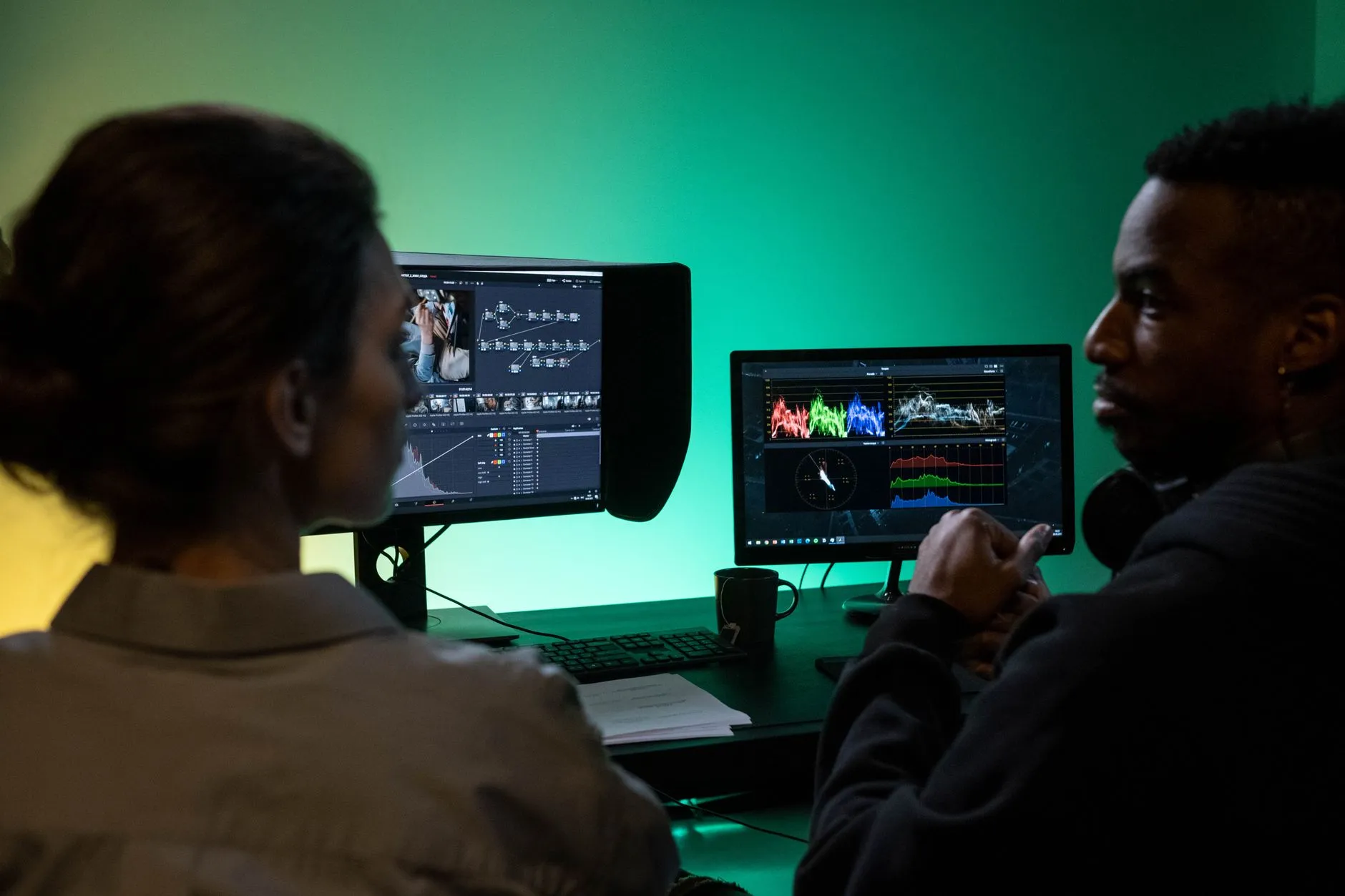
Hong Kong's media and content-production sector covers a wide range of companies: post-production houses, advertising and branded-content studios, corporate video producers, broadcast and streaming suppliers, and marketing agencies with an in-house production arm. What most of them share, regardless of the exact output, is a technical estate that splits cleanly into two very different halves. One half is specialist and production-facing: shared high-bandwidth storage that every edit bay reads and writes to simultaneously, editing and color-grading suites running demanding software on specific hardware, a render or transcode pipeline, and a delivery process built around whatever ingest specification a client, broadcaster or platform requires. The other half is ordinary and corporate-facing: laptops, mailboxes, a shared drive for contracts and invoices, video calls, the finance system, and a website or CMS for the studio itself.
The specialist half is genuinely hard for an outside vendor to pick up quickly. Media storage systems are configured around specific codecs, specific project structures and specific delivery deadlines that a general IT provider has no reason to already understand. The corporate half is the opposite: it is close to identical to what every other 100-person company in Hong Kong runs, and a managed IT provider handles thousands of instances of exactly this workload. The problem most companies in this position run into is not that they lack good IT people — it's that their good IT people, who are genuinely excellent at the specialist half, end up spending most of their time on the ordinary half, because there is nobody else assigned to it.
The Scenario: 110 Staff, Two IT Specialists, and a Stack Built Around Deadlines
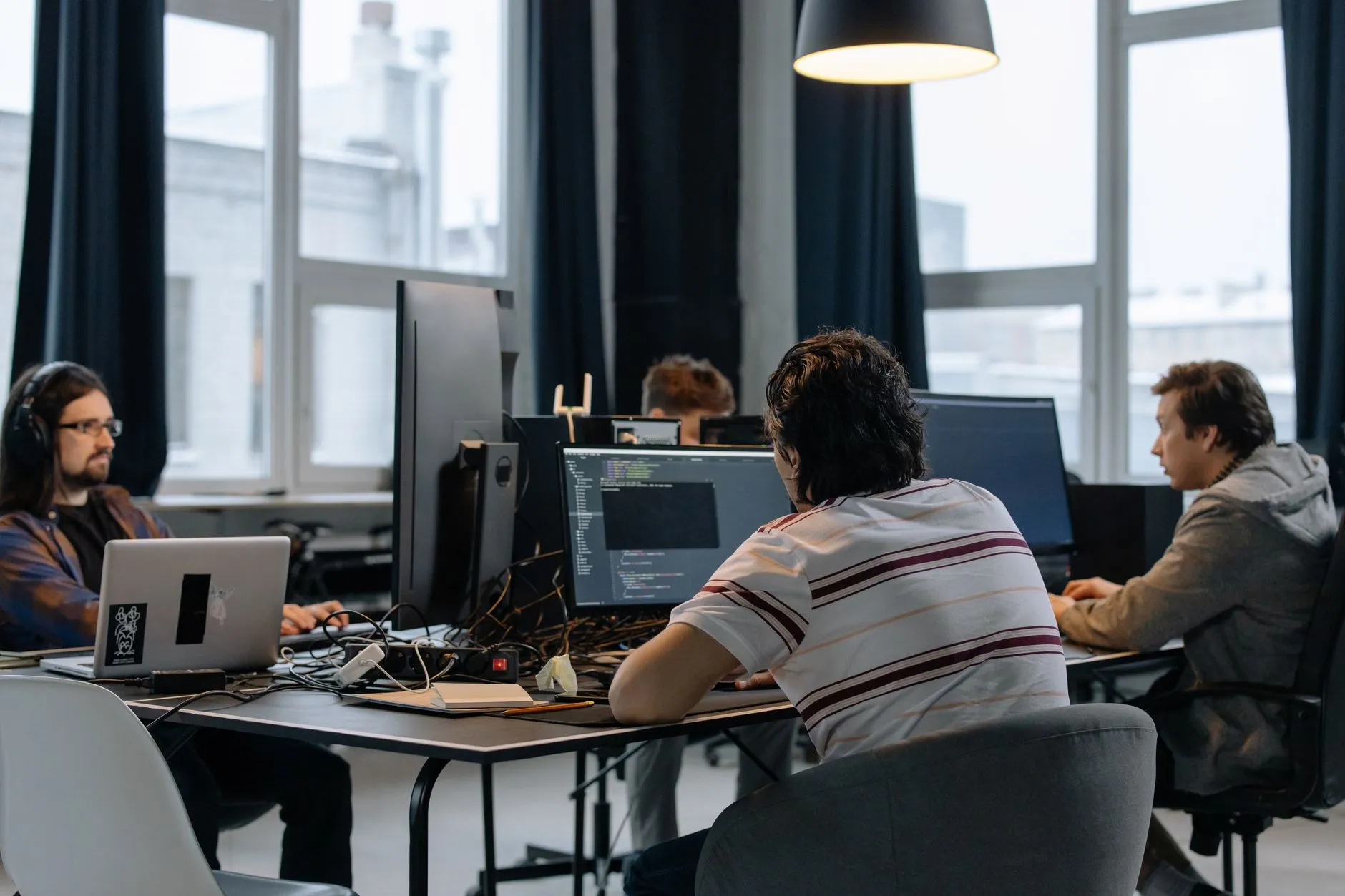
The composite site for this article: a Hong Kong content-production company of about 110 people, spread across production (editors, colorists, motion designers, producers), account and client services, sales, marketing, and finance and administration. Two IT specialists support the entire company. Both came up through post-production or systems-engineering backgrounds — they understand the shared storage array, the naming conventions the edit team relies on, why a particular render node keeps dropping off the network, and which client's delivery spec is the strictest one on the books. That knowledge is not something a generalist vendor can replicate on day one, and it is genuinely valuable.
Alongside that specialist work sits everything else a 110-person company generates: laptop provisioning and rebuilds, mailbox and calendar issues, Wi-Fi coverage across an office that includes both desks and edit suites, endpoint security, backups, the finance team's accounting software, and a help-desk queue that never actually empties. And because production work is deadline-driven in a way that doesn't respect a 9-to-6 schedule — a broadcast slot, a client's launch date, a weekend event that has to be edited and delivered by Monday morning — after-hours alerts land on whoever is reachable, which in practice means the same two people, indefinitely.
Real Problem One: The Specialists Are the Escalation Path for Everything
Because the two IT specialists are the only IT function the company has, they are the escalation path for every category of problem, not just the ones that need their specific knowledge. A junior producer's laptop won't connect to Wi-Fi, a salesperson's Outlook is asking for a password it shouldn't be asking for, someone in finance can't print — none of these need a person who understands the media storage architecture, but all of them land on the same two inboxes, because there is no other queue to put them in. The result is that differentiated, high-value work — the kind that actually depends on institutional knowledge of the production stack — is constantly interrupted by commodity work that a properly staffed help desk handles as a matter of routine. A colorist waiting on a storage-permissions fix because the specialist who should be doing it is instead walking someone through a password reset is a cost the company is paying without ever seeing it itemized anywhere.
Real Problem Two: No Coverage When Either Person Takes Leave
A two-person team has no real redundancy. When one specialist takes annual leave, the other one absorbs both workloads, and the level of service the company is used to quietly drops for however long the absence lasts. When both are unavailable at once — illness, a conference, a family emergency — there is effectively no IT function at all, and everyone in the building knows it, whether or not it's said out loud. This isn't a hypothetical edge case; with only two people, someone being unavailable is a monthly occurrence, not a rare one. Every part of the business that has come to depend on "ask one of the two IT guys" has, without anyone deciding it deliberately, built a single point of failure into daily operations.
Real Problem Three: Patching and Monitoring Are Nobody's Named Job
The work that prevents problems — patch management, endpoint monitoring, backup verification, reviewing security alerts — is exactly the kind of task that gets deferred when the queue of active tickets never stops. It is rarely anyone's explicitly assigned responsibility; it is the thing that happens "when things are quiet," and at a deadline-driven media company, things are rarely quiet. The risk this creates is not abstract. An unpatched endpoint, a backup that silently stopped completing weeks ago, or a security alert that sat unread for three days because nobody had time to triage it are the kind of gaps that a dedicated managed IT security services function exists specifically to close — not because the in-house specialists don't know how to do this work, but because nobody has made it anyone's actual job to do it every day, on a schedule, regardless of what else is on fire.
Real Problem Four: The Escalation Route Is "Whoever Answers a Message"
Ask most companies in this position what their actual incident-escalation process is, and the honest answer is: someone sends a message on WhatsApp or Slack to whichever of the two specialists seems to be online, and that person either handles it or forwards it. There is no written definition of what counts as urgent, no formal on-call rotation, and no fallback if the person who usually answers doesn't see the message for two hours because they're heads-down on a delivery deadline. This works, most of the time, because two capable people are covering for the absence of a process. It stops working exactly when it matters most — a late-night render failure before a Monday broadcast slot, a ransomware alert at 11pm on a Saturday — because "whoever answers a message" is not the same thing as a defined, tested escalation path.
Brocent's Perspective: The Real Question Isn't In-House or Outsourced
The useful question for a company in this position is not "should we keep IT in-house or outsource it." Framed that way, the answer always sounds like a binary trade-off between control and cost, and it misses what's actually happening on the ground. The better question is: which of this work is genuinely specific to our business, and which of it is a problem every company like ours already has a solved answer for? Commodity work — the help desk queue, endpoint patching, routine monitoring, after-hours alerting for standard infrastructure — belongs on a desk that already runs around the clock and already has the processes built for it. Differentiated work — the storage architecture, the delivery pipeline, the relationships with specific clients' technical requirements — belongs with the people who built it and understand why it's built that way.
This split only holds up in practice if it is written down. A verbal understanding that "the outside provider handles the basic stuff and our guys handle the production stuff" sounds reasonable in a kickoff meeting and then drifts within a few months, because every ambiguous ticket defaults to whoever is easiest to reach — which is usually the in-house team, since they already have the institutional context. An explicit inclusion and exclusion list, reviewed periodically and updated as the environment changes, is what keeps the boundary from drifting back onto the two people it was supposed to relieve. Brocent's experience running co-managed arrangements since 2007, including in Hong Kong since opening its office here in 2016, is that the arrangements which hold up long-term are the ones with a written boundary, not the ones with a good verbal understanding at signing.
What a Co-Managed Arrangement Actually Covers
A co-managed setup for a company like this typically hands over a defined, written scope of commodity and infrastructure work, while keeping the in-house specialists focused on production systems and available as a named escalation point for anything that touches them.
The ticket queue. Password resets, account provisioning and deprovisioning, printer and peripheral issues, general software support, and the everyday help-desk volume that currently interrupts the in-house specialists move to a dedicated queue with its own staff and its own service levels, so a junior producer's Wi-Fi problem no longer costs a colorist an hour of storage-permissions work.
Endpoint and patch management. Laptops and desktops across the corporate side of the business are enrolled in a managed patching and monitoring cycle that runs on a schedule, independent of whatever deadline the production team is racing toward that week. This is the piece that most reliably falls through the cracks in a two-person setup, and it's the piece a managed function is built to never skip.
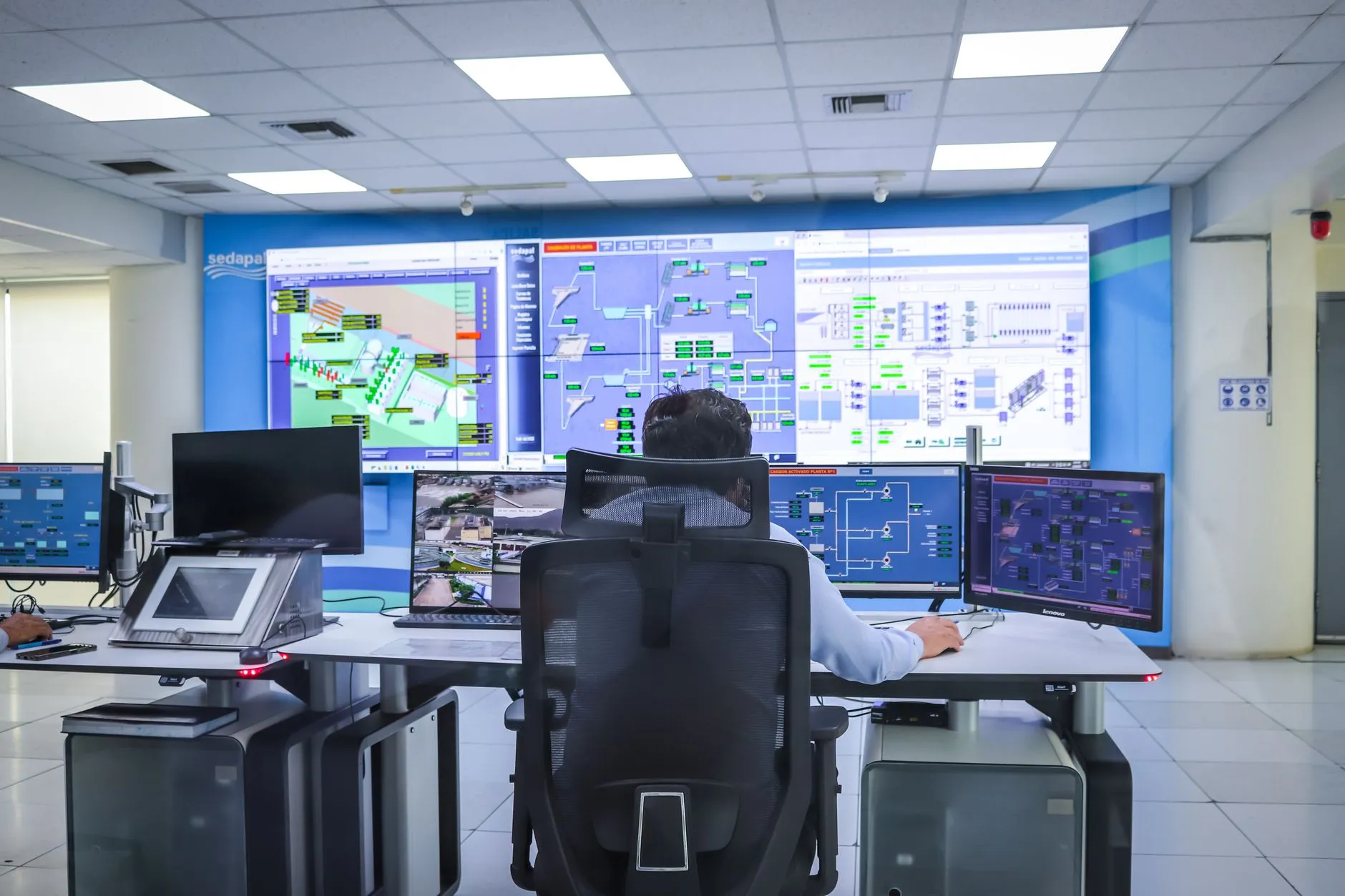
Monitoring and after-hours alerting. Infrastructure monitoring and a genuine 24/7 help desk replace the informal "message whoever's online" pattern with a real on-call process, a defined severity model, and a documented response time — so a Saturday-night infrastructure alert has an actual answer instead of depending on who happens to check their phone.
Named escalation into the in-house specialists. Anything that touches the production stack — the shared storage array, the edit and color-grading environment, the render pipeline, a client's specific delivery requirements — escalates by name to the in-house team, who remain the authority on that system. The provider doesn't attempt to learn the production environment from scratch; it routes to the people who already know it, with a documented handoff process instead of an ad-hoc one.
A boundary that's reviewed, not assumed. The inclusion/exclusion list is revisited on a regular cadence — as the company adds a new storage platform, opens a new edit suite, or changes a delivery workflow — rather than being fixed at signing and left to drift.
Where the Two Halves Actually Connect
The production and corporate sides of the business are not as separate as the split above makes them sound, and a co-managed arrangement has to account for that. Media files eventually need to leave the shared storage array and land somewhere durable and off-site; getting that backup and archive layer onto proper managed IT cloud services is squarely commodity work, even though the data it's protecting is the company's most valuable asset. The corporate network the sales and finance teams use shares physical infrastructure — switches, Wi-Fi, firewalls — with the network the edit suites depend on, so security and monitoring on one side has direct consequences for the other. A well-written scope treats these connection points explicitly, rather than leaving them to fall into whichever category feels convenient at the time.
Two-Person In-House Team Doing Everything vs Fully Outsourced (Losing the Production-Stack Knowledge) vs Co-Managed With a Written Inclusion/Exclusion List (Brocent's Model)
- Two-person in-house team doing everything — Deep, hard-won knowledge of the production stack and genuine responsiveness when something in the edit suite breaks. The cost is that both specialists spend a large share of their week on commodity tickets, there is no real coverage when either takes leave, and preventive work like patching and monitoring gets deferred indefinitely because the active queue never empties.
- Fully outsourced (losing the production-stack knowledge) — Solves the coverage and commodity-ticket problem, but hands a vendor with no background in media storage, edit workflows or delivery specifications responsibility for systems that took the in-house team years to tune correctly. The learning curve alone creates risk during exactly the deadline-driven moments the business can least afford it, and institutional knowledge that isn't written down anywhere effectively leaves with the people who are let go.
- Co-managed with a written inclusion/exclusion list (Brocent's model) — Commodity tickets, patching, monitoring and after-hours alerting move to a provider built to run them around the clock, while the in-house specialists keep ownership of the production stack and become the named escalation point for it rather than the default first responder for everything. The honest tradeoff is that this only works if the boundary is written down and reviewed — a verbal handshake drifts back toward "ask the in-house guys" within months.
Bridging the Two Sides of the Estate
For a media company weighing this shift, the practical starting point is usually the corporate half of the estate, because it is the part every managed IT provider already runs at scale. A 24/7 help desk absorbs the password resets, laptop issues and after-hours alerts that currently interrupt the in-house specialists. Managed IT cloud services take over backup, archive and the infrastructure that isn't production-specific, including the off-site copy of media assets that the business genuinely cannot afford to lose. And managed IT security services put patching, endpoint monitoring and alert triage on a schedule that doesn't depend on whichever specialist happens to have a free afternoon. None of this requires the in-house team to hand over the systems they built — it requires drawing a written line around the systems they didn't, and putting those on a desk that's built to run them every day, indefinitely.
Frequently Asked Questions
What does co-managed IT actually mean in practice?
It means splitting the technical estate into two written categories — work that moves to an external provider and work that stays with the in-house team — rather than choosing between fully in-house and fully outsourced. In practice, this usually looks like the provider taking on the help-desk queue, endpoint patching, infrastructure monitoring and after-hours alerting for standard systems, while the in-house specialists keep ownership of production-specific systems and become the named point of escalation for anything that touches them. The arrangement is defined by a written inclusion and exclusion list, not by a general sense of "the basics versus the specialist stuff."
Does co-managed mean our IT staff are being replaced?
No — the arrangement is specifically designed to keep the in-house specialists doing the work only they can do, by removing the commodity work that currently crowds it out. Their role shifts from being the default first responder for every category of ticket to being the named authority on production systems, with a defined escalation path into them rather than an open queue. Companies considering this shift are usually trying to protect their specialists' time and reduce burnout, not replace their knowledge — knowledge that, in a media company, took years to build and generally can't be replicated quickly by an outside vendor.
How do you decide what goes to the provider and what stays in-house?
The starting question is whether a system or task is genuinely specific to the business or is a problem every company of similar size already has a standard answer for. Password resets, endpoint patching, mailbox administration and infrastructure monitoring are close to identical at almost any 100-person company and belong with a provider built to run them at scale. The shared storage array, the edit and color-grading environment, the render pipeline and any client-specific delivery requirements are specific to this business and belong with the people who built and tuned them. The result gets written down as an explicit list, reviewed periodically, rather than left as an unwritten understanding that drifts over time.
What happens to the in-house team's role and career path?
Their role typically narrows in scope but deepens in seniority: instead of splitting attention across password resets and storage architecture in the same afternoon, they spend their time on the systems that actually require their expertise, and they become the recognized authority the provider escalates to. For most specialists who came up through production or systems-engineering backgrounds, this is closer to the job they wanted in the first place — the commodity-ticket load was usually something they inherited by default rather than something they were hired to do.
Who is accountable when an incident crosses the boundary?
This is exactly what the written inclusion/exclusion list and escalation process need to answer before an incident happens, not during one. A well-structured co-managed agreement names who owns the first response for each category of system, defines the handoff process when an issue crosses from provider-owned infrastructure into production systems, and sets expectations for how quickly that handoff happens. The boundary being written down in advance is what prevents an incident from turning into an argument about whose job it was.
What happens during annual leave or a resignation?
This is one of the clearest gains of a co-managed model. Commodity work that used to stop or slow down whenever one of the two specialists was unavailable now has continuous coverage from the provider's team, regardless of who's on leave. And if a specialist resigns, the institutional knowledge that used to live only in that person's head is at less risk, because the commodity side of the business never depended on them in the first place — the production-specific knowledge that does need to be preserved becomes a clearer, smaller handover problem instead of a company-wide scramble.
How is co-managed priced compared with fully managed?
Co-managed pricing generally reflects a narrower, defined scope — the provider is billing for the categories of work explicitly in scope, not for full ownership of every system in the business — while fully managed pricing covers the entire technical estate, including systems a provider would need time to learn from scratch. Because every business's split between commodity and specialist work is different, the accurate way to compare the two is against a written scope for this specific company, not a generic price list. The pricing conversation should start from the inclusion/exclusion list, not the other way around.
Getting the Split Right for Your Production Stack
A media production company doesn't have to choose between an overloaded two-person team and losing the institutional knowledge that keeps the edit suites running. The practical starting point is an honest inventory: what did your IT team actually spend last week doing, and how much of it required the knowledge that makes them valuable in the first place? If the answer looks like the scenario above, the useful next step is a conversation about where a written boundary would sit for your specific storage, delivery and production systems — not a generic managed IT quote. Get in touch to talk through what a co-managed split would look like for your team.
Share:
Ready to take action?
Turn these insights into a roadmap for your business.
Book a 15-minute no-obligation consultation with our APAC IT experts. We'll review your current setup and provide a tailored IT roadmap within 24 hours.
Free Checklist
10 Critical Checks Before Expanding IT to Greater China
PIPL compliance, network segmentation, bilingual helpdesk setup, and more — everything your IT team needs before Day 1 in China.
Request the checklist →📬 Monthly Asia IT Insights
China compliance updates, cybersecurity alerts, and IT tips for APAC teams — once a month.
No spam. Unsubscribe anytime.